Published in Tutorials
How to Write Reports with AI in 2026 (Complete Guide)
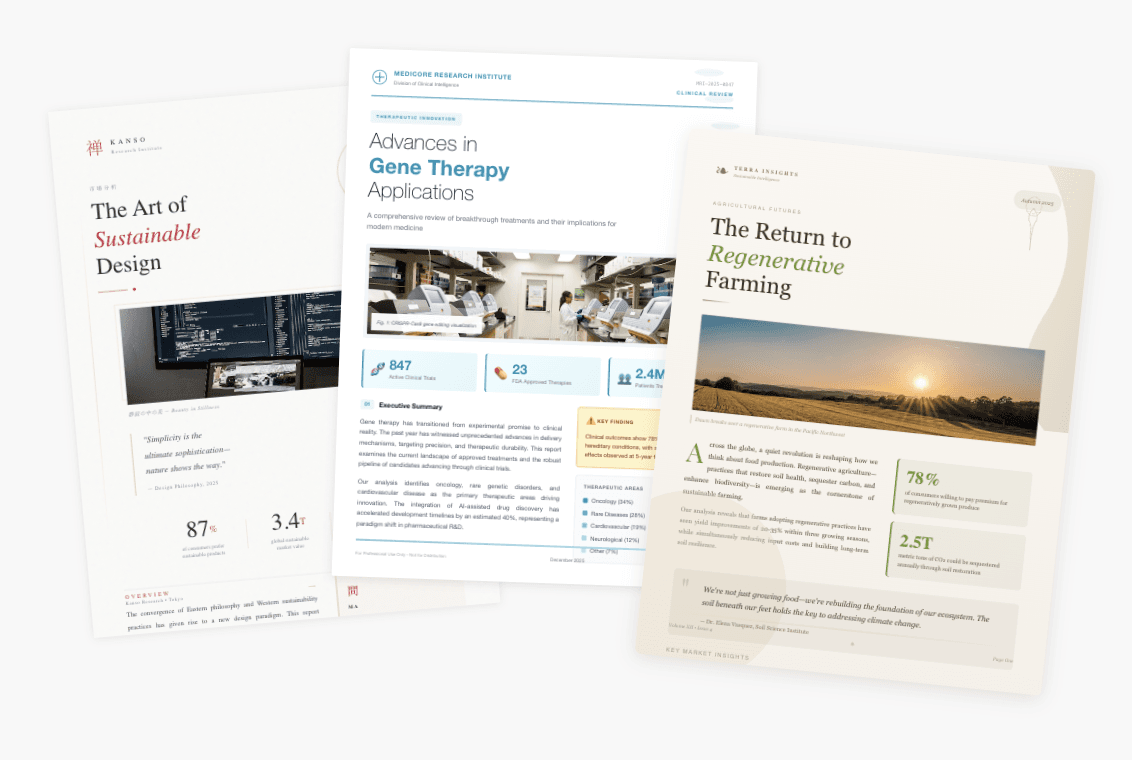
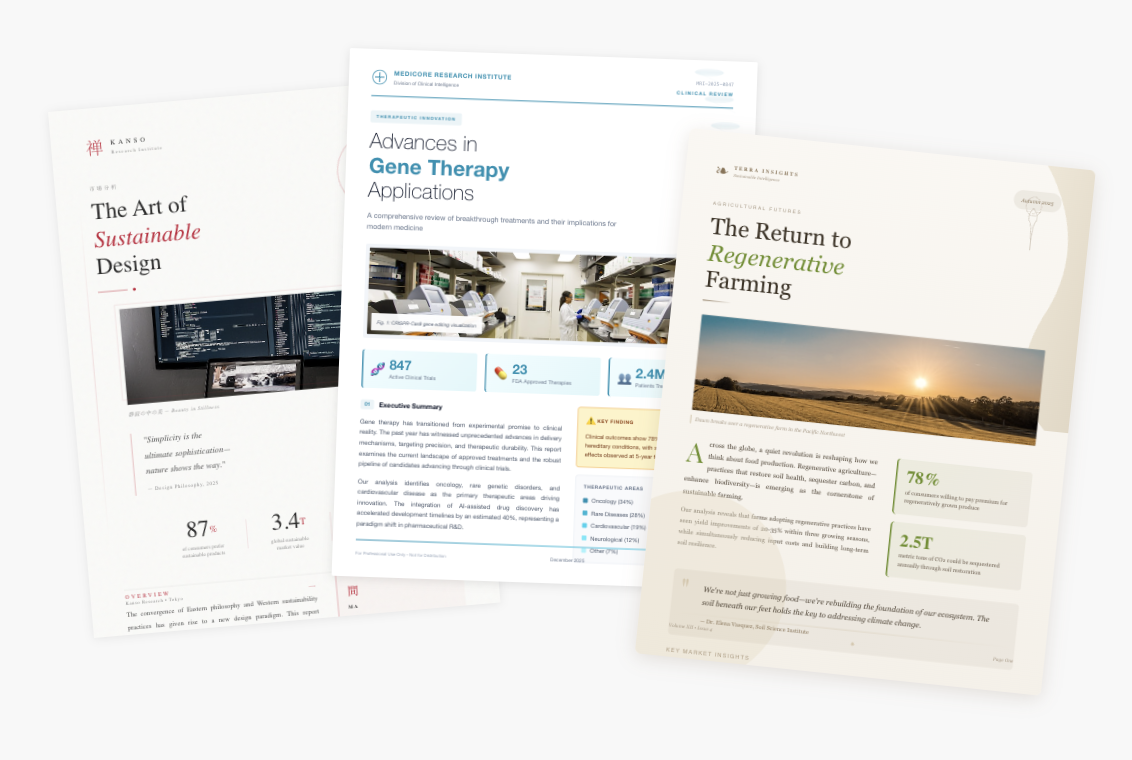
At ML Clever, we build and test AI reporting workflows every week. This is the exact process we use to get decision-ready reports fast without sacrificing evidence or clarity.
AI reports are no longer just rough drafts. In 2026, the best workflows produce structured, evidence-backed reports with executive summaries, clear findings, and recommendations in minutes. The key is not asking the AI to "write a report" and hoping for magic. The key is guiding the system with the right inputs, structure, and review process.
This guide shows the exact workflow for writing reports with AI, plus a reusable prompt template, report outline, and quality checklist.
Table of Contents
- Why AI reports are the new default
- The 2026 workflow: prompt to report
- Step 1: Define the decision and audience
- Step 2: Gather inputs (data, docs, context)
- Step 3: Generate the outline first
- Step 4: Draft narrative with evidence
- Step 5: Add recommendations and next steps
- Step 6: Review, edit, and publish
- Prompt templates you can reuse
- Report outline template (copy/paste)
- AI report quality checklist
- Common mistakes to avoid
- FAQ
- Try ML Clever AI Documents
Why AI reports are the new default
Modern reporting is about speed and trust. Teams need fast drafts, but the output still has to be decision-ready. AI helps when it is used for structure, synthesis, and narrative, while humans provide the source material and final judgment.
AI works best for:
- Turning raw notes and data into a clean report structure
- Drafting the first narrative pass so teams do not start from a blank page
- Summarizing trends, risks, and changes across time periods
- Producing clear executive summaries and recommendation options
AI does not replace accountability. It accelerates it.
The 2026 workflow: prompt to report
The strongest AI reports follow a two-pass workflow:
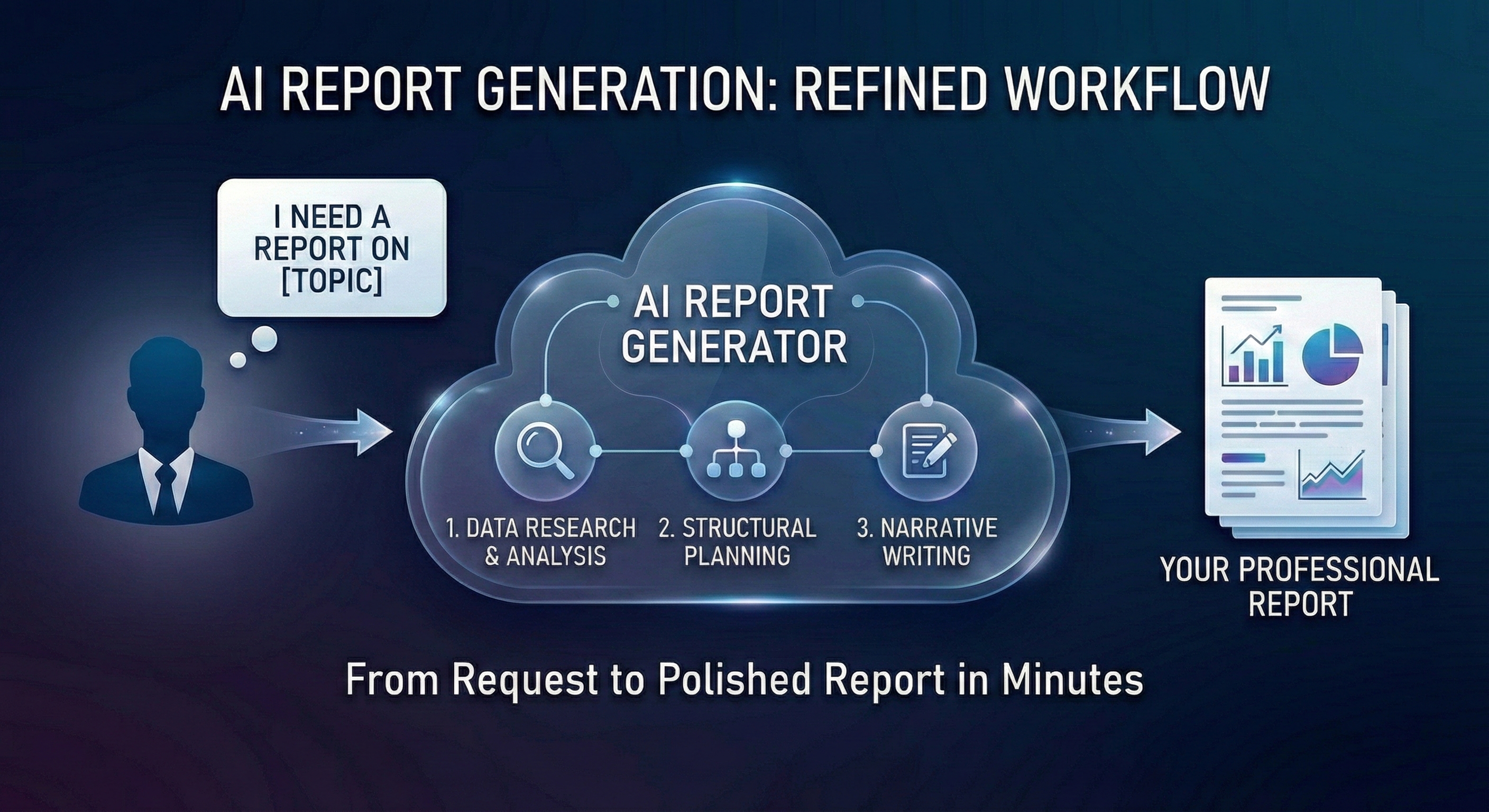
- Plan the structure. Outline first so the report has logical flow.
- Draft with evidence. Fill each section with data, citations, and supporting context.
This mirrors how modern report systems work: outline, draft, finalize. It is faster and dramatically more consistent.
Step 1: Define the decision and audience
Every report should answer a question. Start with these three fields:
- Decision: What should the reader do or decide after reading?
- Audience: Who is the primary reader and how familiar are they with the topic?
- Outcome: What should change after this report is shared?
Example:
- Decision: Should we expand the paid search budget in Q2?
- Audience: VP of Marketing and Finance
- Outcome: Approve a 15 percent increase with clear guardrails
Step 2: Gather inputs (data, docs, context)
AI reports are only as strong as the inputs. Provide at least one of the following:
- Data: KPIs, trend tables, cohort charts, or performance metrics
- Documents: Prior reports, research notes, customer feedback, or meeting transcripts
- Context: Assumptions, constraints, or strategic goals
If you do not have data, you can still generate a useful structure, but avoid hard numbers. When you do have data or source documents, the AI can embed evidence directly into the narrative. For reports that start from a source file, use the AI report generator from PDF workflow. For reports that need source notes on every claim, use the AI report generator with citations workflow.
Note: If you are using a standard chatbot, you may need to copy and paste data manually. Specialized tools (like ML Clever) let you upload CSVs and PDFs directly so the context stays intact.
Step 3: Generate the outline first
Ask the AI for a report outline before you request the full draft. This saves time and prevents a rambling report.
Prompt example:
Create a report outline for the topic below. Use these sections:
- Executive Summary
- Problem or Goal
- Analysis and Findings
- Recommendations
- Risks and Open Questions
- Next Steps

Topic: Monthly marketing performance report
Audience: VP Marketing, VP Finance
Decision: Budget allocation for next month
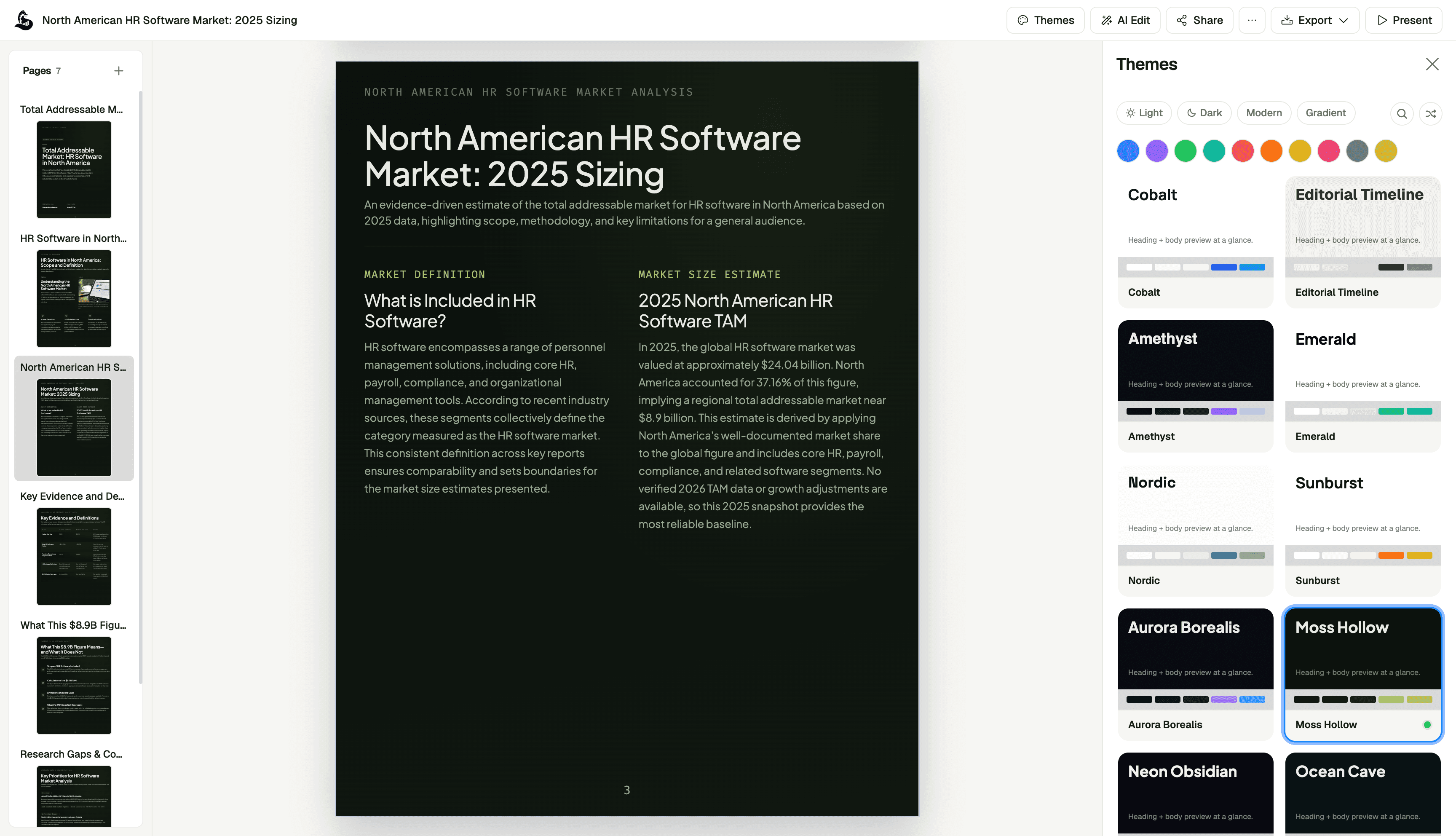
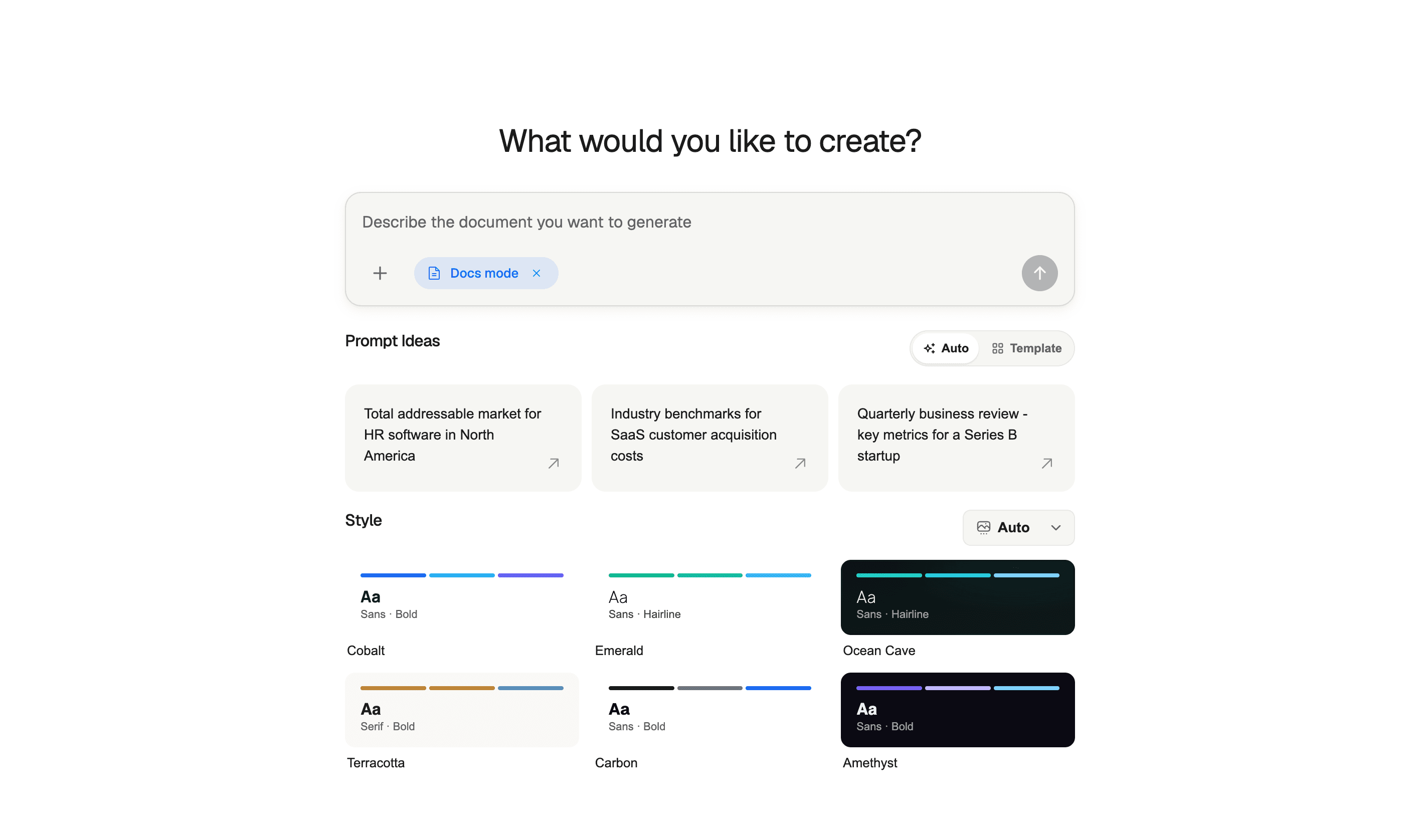
Below is how we set up the outline prompt inside ML Clever.
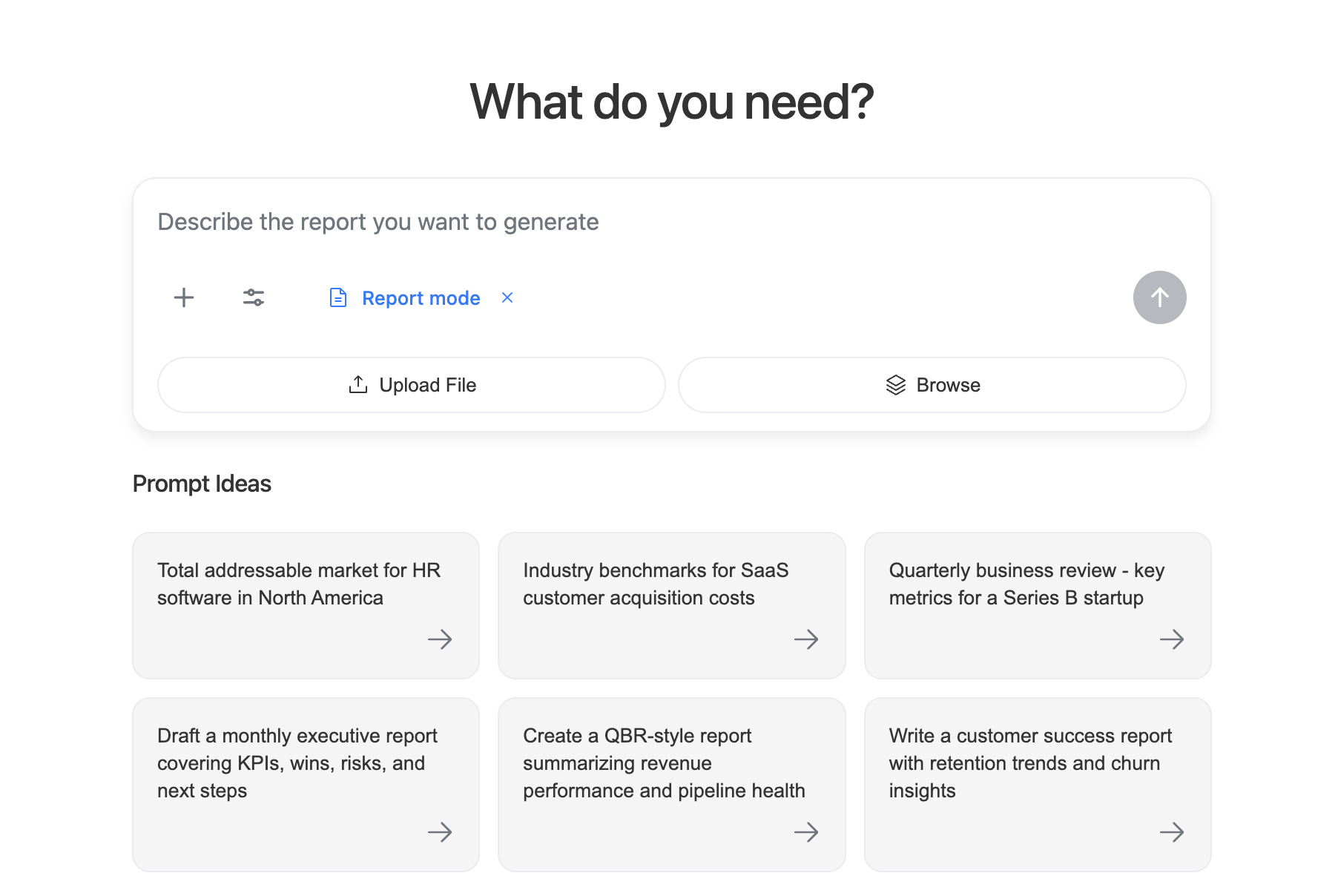
Review the outline and adjust it before drafting. This step alone cuts revisions in half.
Step 4: Draft narrative with evidence
Once the outline is approved, generate each section with evidence. If you have data, provide it. If you have documents, include them. If you have not chosen a tool yet, see our breakdown of the best AI report generators for 2026.
Best practices:
- Ask for metrics inline (not in a separate appendix)
- Require citations or source references for claims
- Keep the tone consistent with the audience
If the AI does not have evidence, it should say so. That is better than hallucinating numbers.
Step 5: Add recommendations and next steps
The difference between a summary and a report is action. Every report should end with recommendations tied to the evidence.
A strong recommendation section includes:
- A clear action
- Supporting rationale
- Risk or tradeoff
- Timing or owner
Example:
- Recommendation: Increase paid search budget by 15 percent in Q2
- Rationale: ROAS improved from 2.4 to 3.1 after creative refresh
- Risk: Diminishing returns if CAC exceeds $120
- Owner: Growth marketing team
Step 6: Review, edit, and publish
AI drafts are fast, but they are still drafts. Review for:
- Accuracy of data and dates
- Clarity of conclusions
- Missing assumptions or dependencies
- Tone and length for the audience
Once reviewed, publish and share. The best systems let you regenerate only the section that needs changes without rewriting the full report.
Prompt templates you can reuse
1) Full report generator prompt
Write a report using the inputs below. Follow the structure and include evidence in each section.

Audience: [Who will read this?]
Decision: [What should they decide?]
Tone: [Executive, client-facing, internal, etc.]
Time period: [e.g., Jan 2026]

Data sources:
- [Metric list or pasted table]

Documents:
- [Links or attached files]

Required sections:
1. Executive Summary
2. Goal / Background
3. Key Findings (with metrics)
4. Recommendations (action + rationale + risk)
5. Next Steps
2) Executive summary prompt
Summarize this report in 5 to 7 sentences for executives. Include top metrics, the primary insight, and the recommended decision.
3) Revision prompt
Revise the "Recommendations" section for a finance audience. Make tradeoffs explicit and include cost impact.
Report outline template (copy/paste)
Use this as a base structure for most business reports:
- Executive Summary
- Goal or Problem Statement
- Context and Assumptions
- Key Metrics and Findings
- Analysis and Drivers
- Recommendations
- Risks and Open Questions
- Next Steps
- Appendix (optional)
AI report quality checklist
Before you share, verify these items:
- Executive summary answers "so what" in 5 to 7 sentences
- All key claims are supported by data or referenced sources
- Metrics use a consistent time period and unit
- Recommendations are specific and actionable
- Risks and assumptions are stated clearly
- Tone fits the audience
Common mistakes to avoid
- Skipping the outline. It causes rambling drafts and more rewrites.
- Missing evidence. AI can write quickly, but it needs real data to be trusted.
- Overlong sections. Keep each section crisp and decision-focused.
- Generic recommendations. Tie actions to specific findings.
- No revision loop. Regenerate sections instead of manually rewriting everything.
FAQ
Can AI write a full report on its own? It can draft a report quickly, but it needs real data and context. The best results come from a human-guided workflow with clear inputs and review.
How do I avoid AI hallucinations? Provide source data or documents, and require citations or explicit references. If evidence is missing, the report should say so.
What types of reports work best with AI? Performance updates, market analysis, operations health, product adoption, and customer feedback reports are all strong fits.
How often should I regenerate reports? Whenever new data arrives. AI is ideal for weekly or monthly reporting loops because it can update only the changed sections.
Try ML Clever AI Documents
ML Clever AI Documents turns a prompt, datasets, and documents into a structured report with executive summaries, evidence, and recommendations built in.
- Start drafting in minutes with ML Clever AI Documents

Zachary Fraher
Product Team
Get new ideas in your inbox.
Practical AI workflows and product notes from ML Clever.