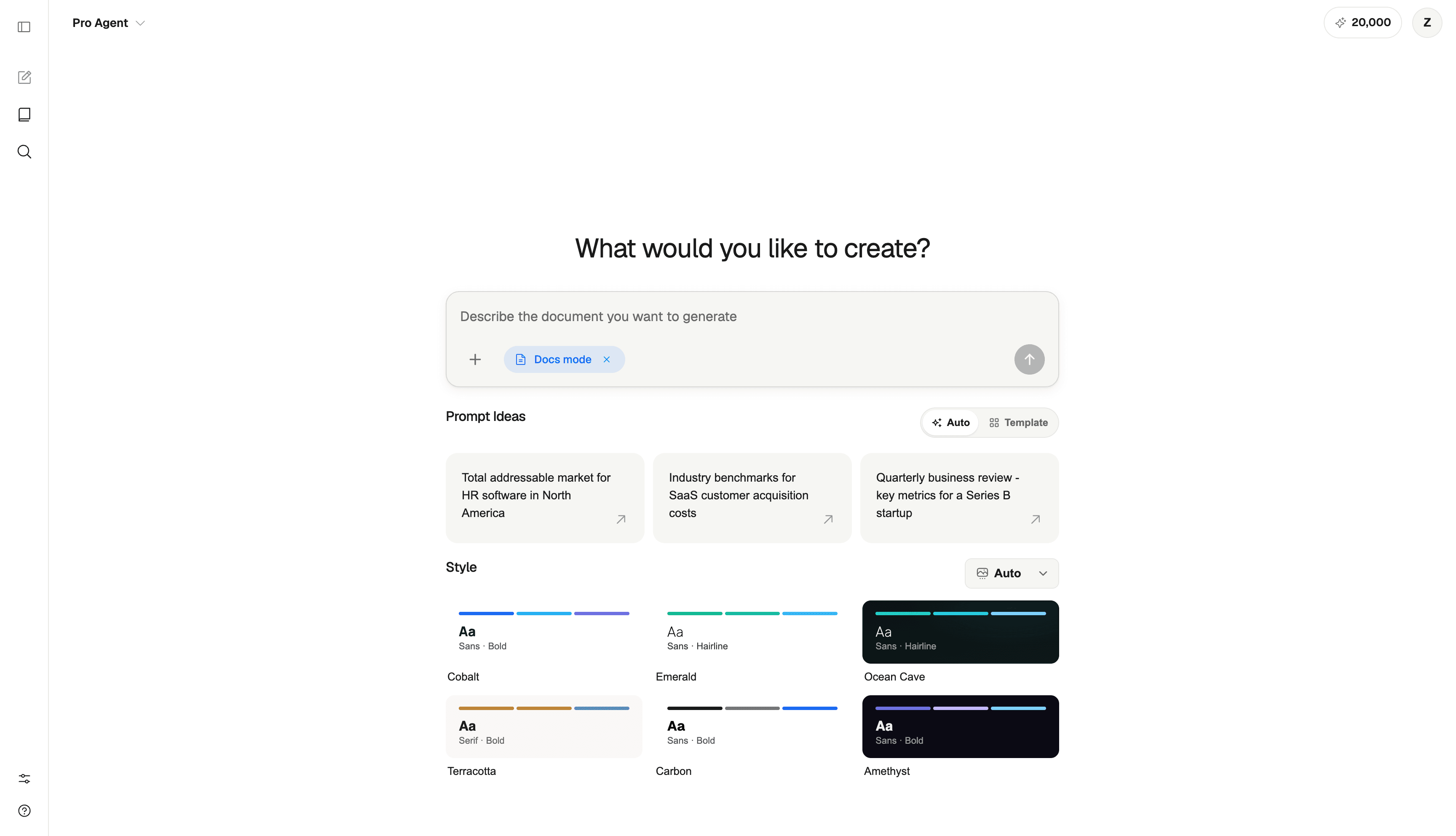
Start with the work you need to share.
ML Clever is organized around the thing you need to create: a document, presentation, or chat answer.
ML Clever turns prompts, source material, and data into polished documents and presentations. Chat helps you explore the subject; the visual editor helps you shape the finished work.
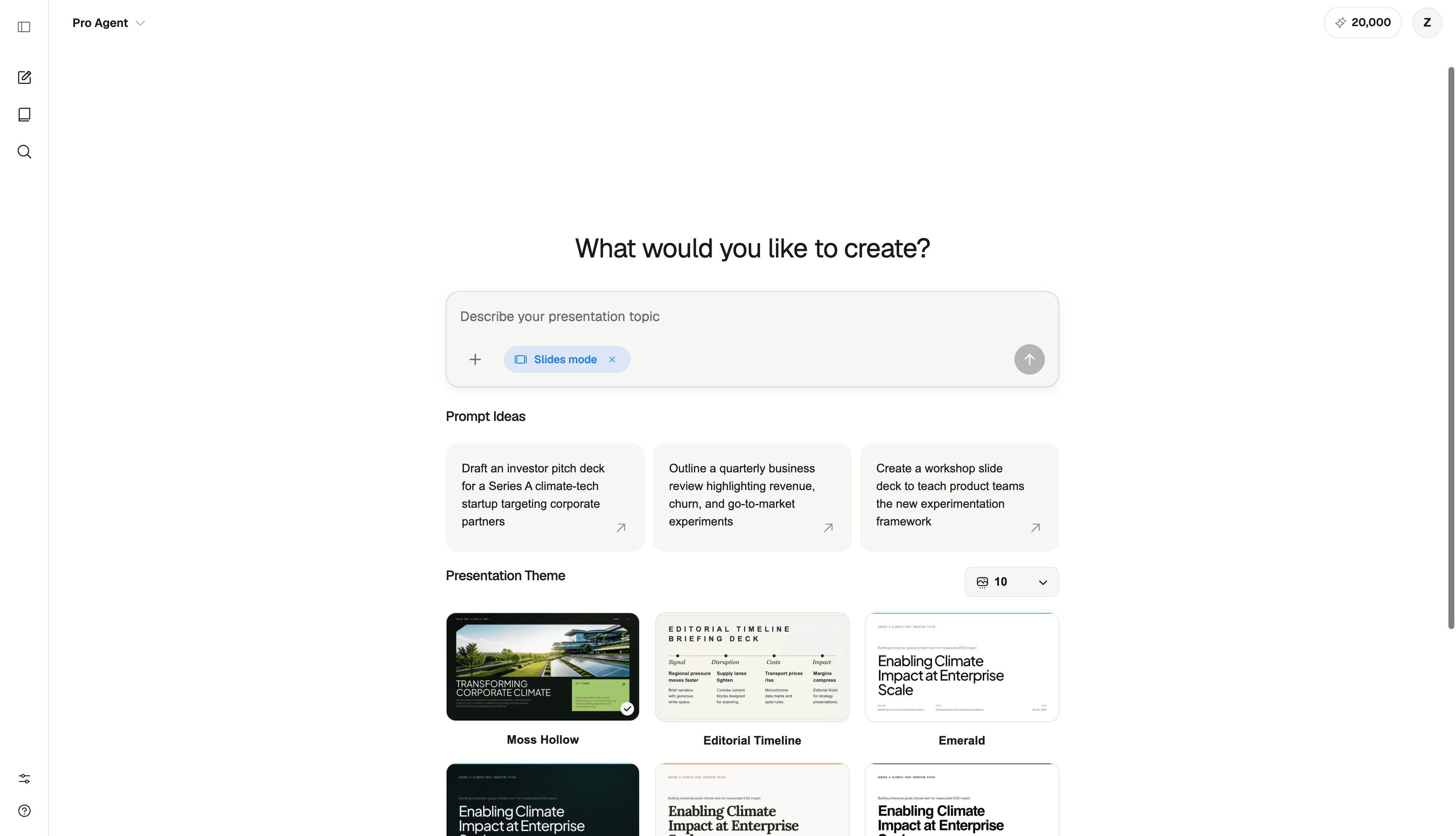
The workspace stays close to the artifact, the source context, and the decision the output needs to support.
ML Clever is organized around the thing you need to create: a document, presentation, or chat answer.
Add files, notes, and research to give your documents and presentations useful context.
Create visual documents and presentations you can edit, share, and return to in your library.
Choose the output first, then give ML Clever the context that should shape it.
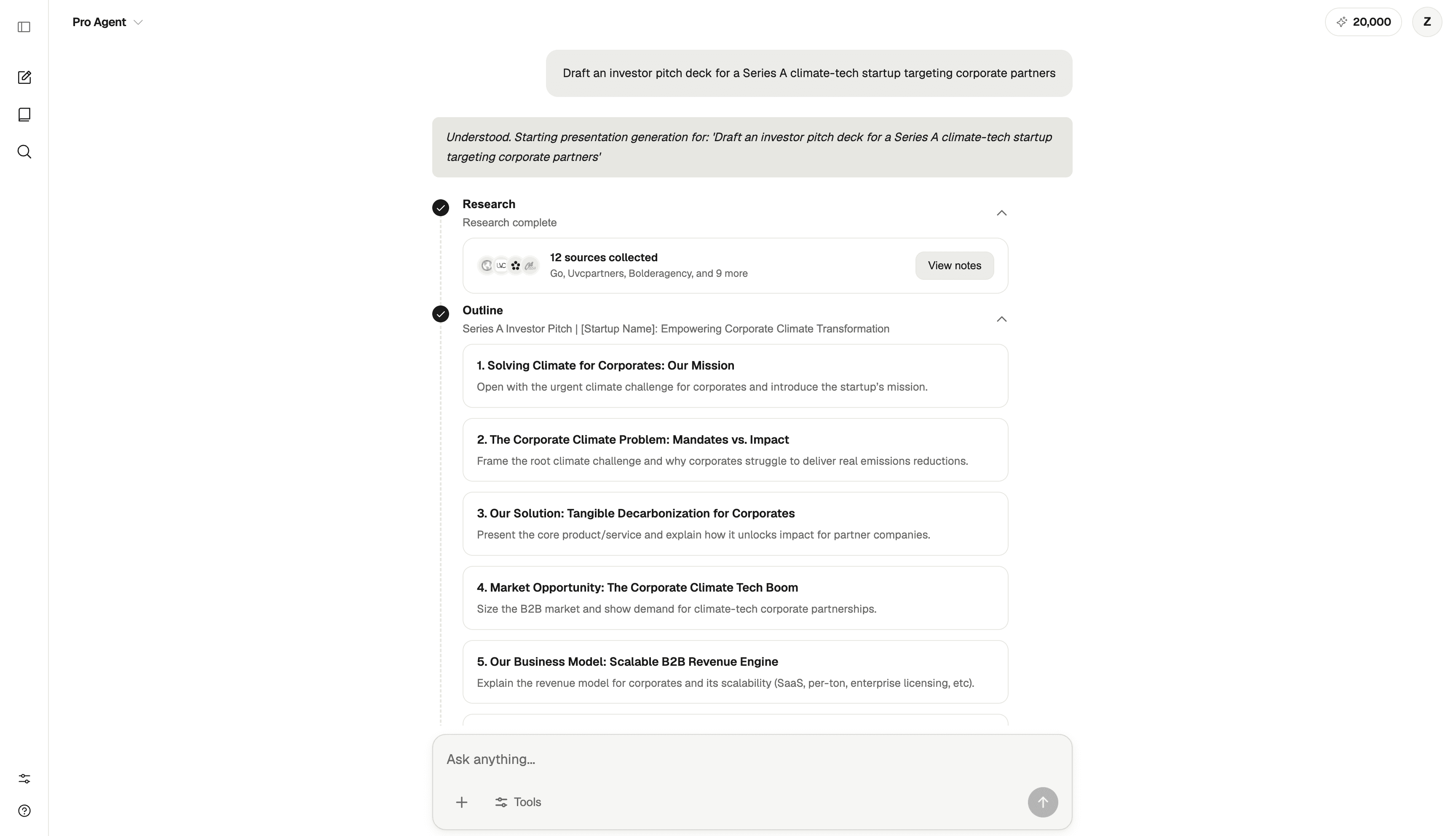
Prompt, choose a mode, attach useful context, and let the generation workflow create a real artifact.
Use themes, templates, page-range controls, and source context to create structured business writing.
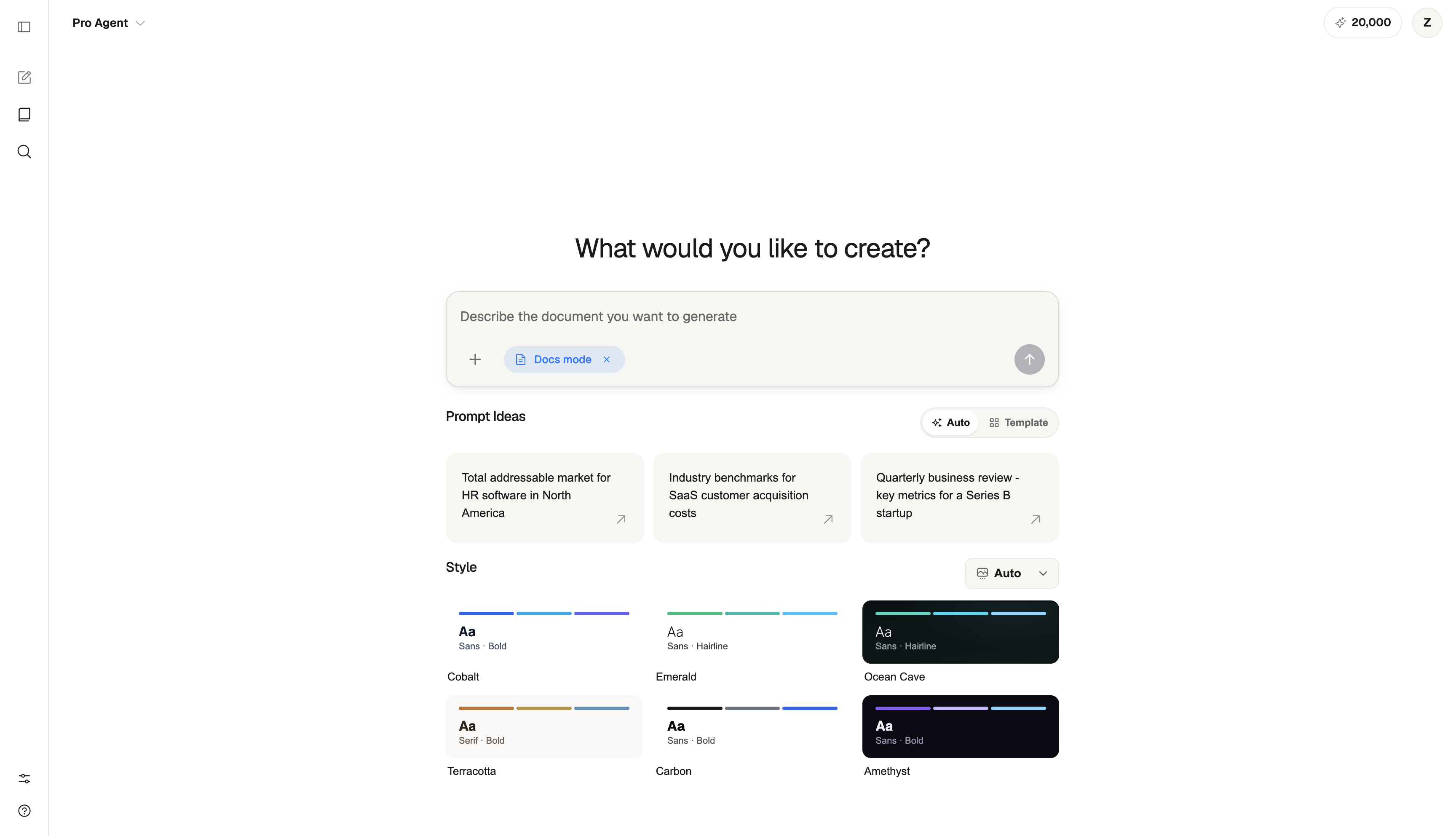
Organize research, an outline, slide count, and theme choices before building the presentation.
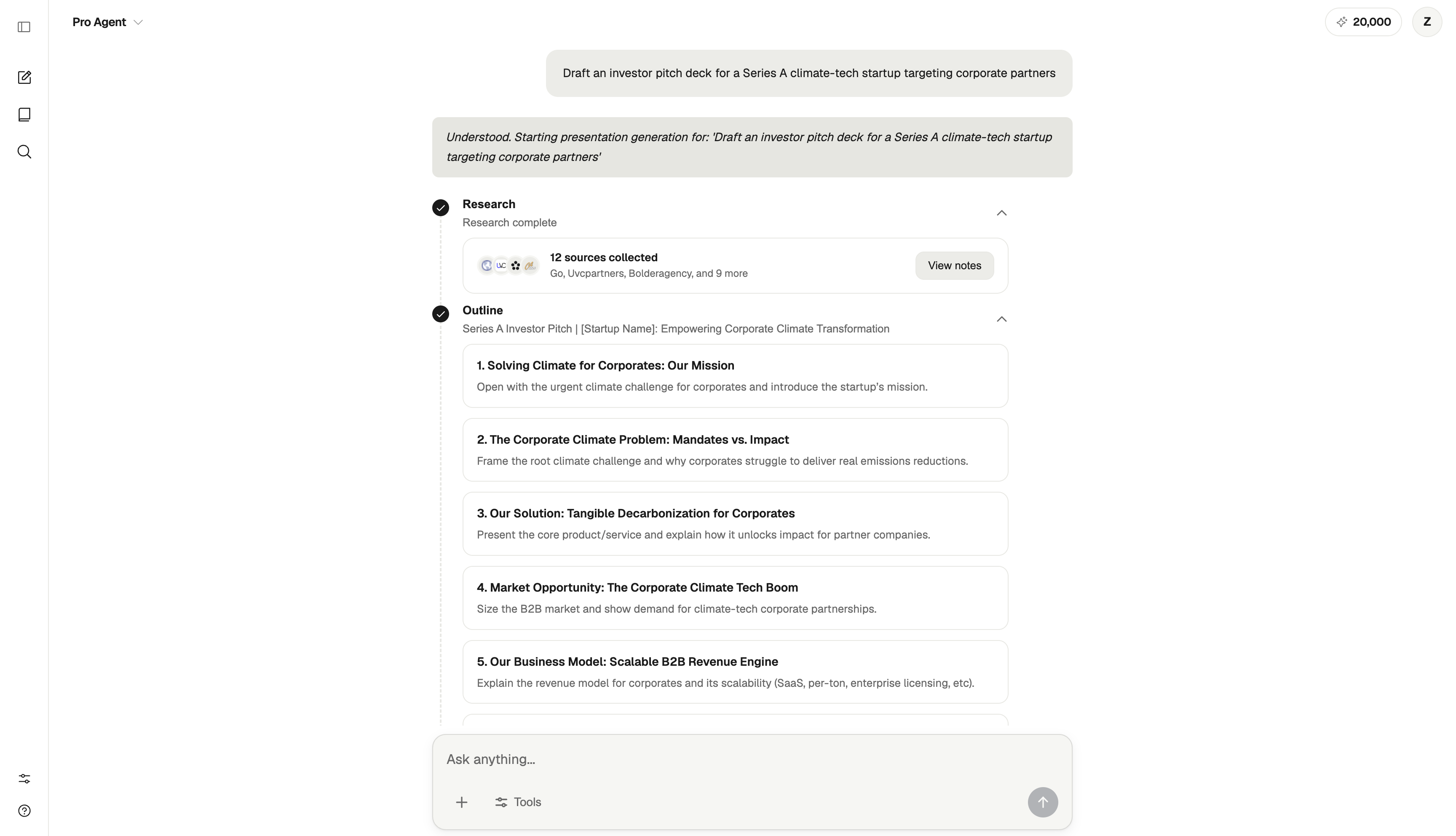
Use chat to explore ideas, review source material, and clarify the audience and purpose of your next document or deck.
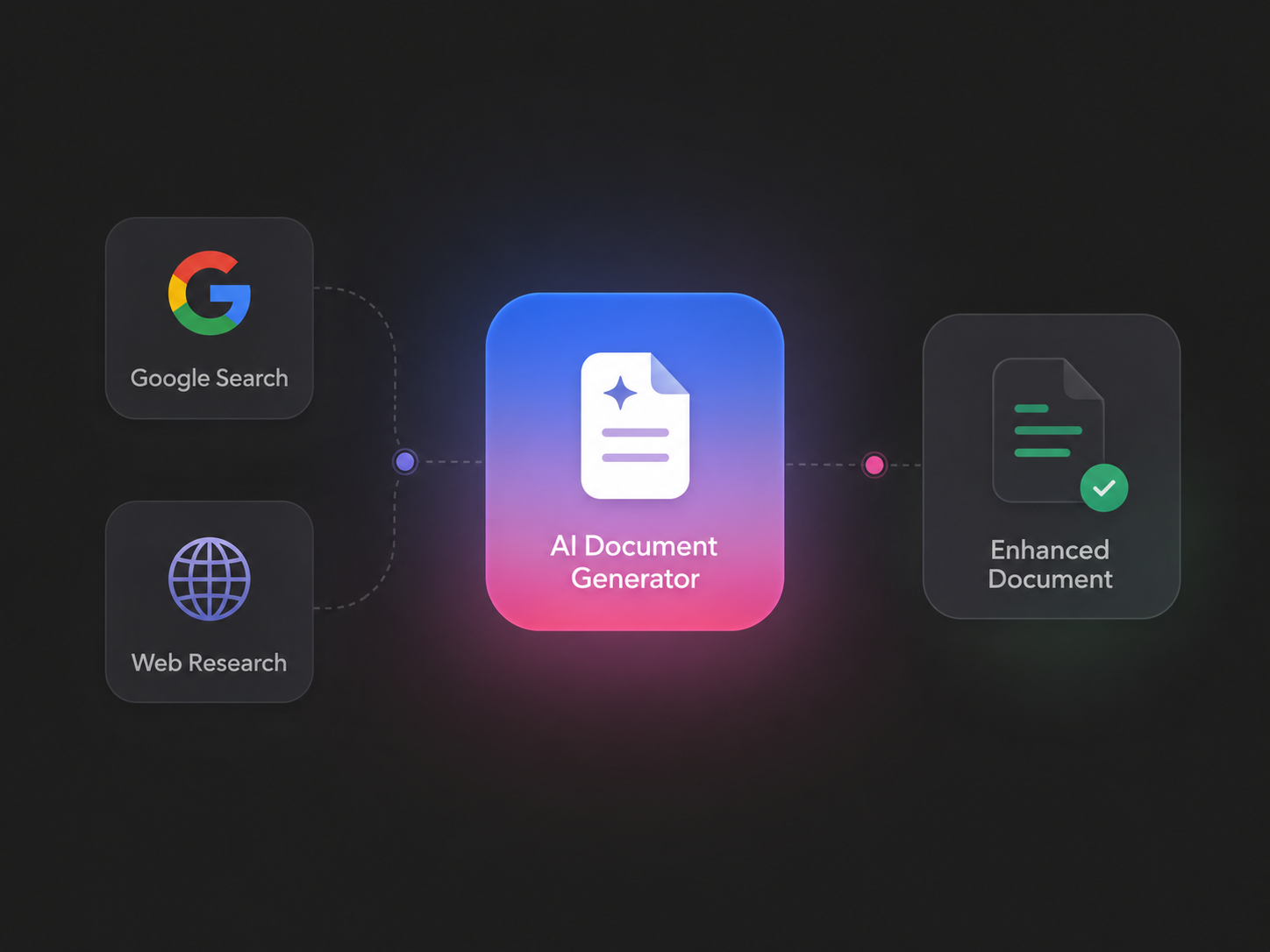
ML Clever is an AI workspace for creating visual documents and presentations, with chat for research, questions, and ideas.
Use chat to explore the subject, documents to explain it in depth, and slides to present the story. ML Clever keeps those workflows in one workspace.
ML Clever helps people turn research and business information into reports, client proposals, operating guides, and presentations they can edit and share.
You can work through a question in chat and create documents or slides in a visual editor. Choose a theme, adjust the layout, and edit the content to suit your audience.
Start with a prompt, a file, or a dataset. Turn it into the artifact the next conversation needs.