AI Dashboard Generator
Upload data, prompt "Show me churn drivers," follow up with "Explain anomalies week over week," and publish executive-ready data dashboards with plain-language commentary for digital marketing reporting, retail analytics, retail KPIs, and finance KPIs so business metrics stay clear.
Rebuild this screenshot as a dashboard, add filters for region and plan, chart ARR, churn, and CAC payback, then explain the biggest weekly anomalies.
Rebuild any view as a live dashboard
Drop in a screenshot or describe the KPI story you need. ML Clever regenerates a refreshable dashboard you can refine with prompts and filters.

Auto-map the layout
The AI maps cards, charts, and filters from your screenshot or prompt into editable components on-brand.
Explain anomalies
Ask "Why did churn spike?" and get variance narratives with the charts updated in place.
Share & embed
Publish interactive links, embed in decks, or export snapshots while keeping refresh schedules intact.
What teams are building
Dashboards that answer the next question
Executive KPI workspaces
Blend revenue, churn, and pipeline KPIs into one live board with narrative callouts stakeholders can quote.

Visualization toolkit powered by AI
Smart Chart Library
Automatic recommendations across bar, line, scatter, funnel, and cohort visuals tuned to your dataset.
Narrative Insights
Plain-English explanations accompany every chart so the story travels with the data.
Interactive Filters
Empower viewers to slice by region, segment, or rep and save their favorite perspectives.
Brand Enforcement
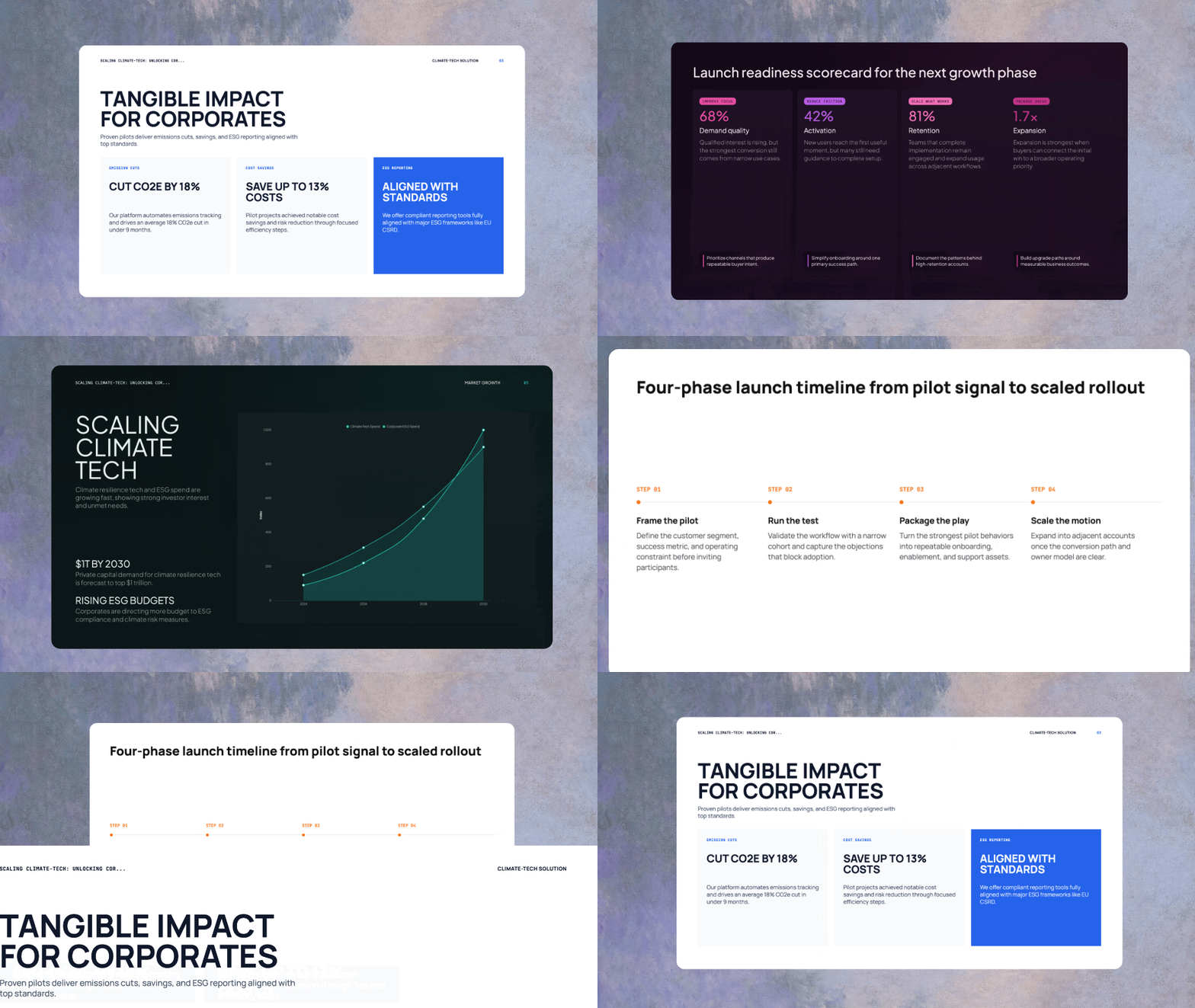
Apply the same brand kit that governs presentations, keeping dashboards aligned with your visual system.
Interactive analysis
Drill down, filter, and explore
Dashboards are fully interactive canvases. Filter by any dimension, drill into row-level data, and ask follow-up questions like "Compare pipeline by cohort" directly in the insight chat.

Dashboard Prompt Library
Prompts and follow-ups to answer faster
Prompt: Build a retention dashboard for subscription customers.
Follow-up: Diagnose churn drivers by cohort and highlight segments that improved month over month.
Prompt: Create a revenue and margin dashboard for finance leadership.
Follow-up: Explain variance versus plan and surface expense lines driving margin compression.
Prompt: Generate a marketing funnel dashboard.
Follow-up: Compare paid, partner, and organic pipelines, then recommend campaigns to scale.
Prompt: Produce an operations health dashboard.
Follow-up: Alert me when throughput drops below target and annotate root causes.
Prompt: Assemble a cash flow dashboard for investors.
Follow-up: Call out liquidity risks, repayment schedules, and forecast scenarios.
Prompt: Deliver an executive summary dashboard for the weekly business review.
Follow-up: Summarize key wins, risks, and recommended next actions pulled from linked projects.
Frequently asked questions
Upload a CSV or connect a warehouse, describe your goals in natural language, and the dashboard generator builds multi-page layouts with spotlight metrics.
Can I tell the AI which KPIs to prioritize before it renders layouts?
Yes. Specify priority KPIs or targets and the system rearranges visuals around those questions.
Use the insight chat to request diagnostics, comparisons, and drilldowns; new visuals and narratives appear instantly.
Can I ask follow-up questions like "Why did churn spike last quarter?" live in the dashboard?
Every question is saved so stakeholders can revisit the reasoning or share the answer with others.
Schedule refreshes by cadence or trigger and the platform syncs new rows, recalculates metrics, and annotates what changed.
Will dashboards update automatically when new data lands in the source system?
You can also run on-demand refreshes before meetings or executive reviews.
Brand kits define typography, palettes, and iconography; apply them once and dashboards inherit your design rules.
Can I apply the same brand kit that governs my decks?
Embedded charts inside decks or client portals retain the same colors and fonts automatically.
Create share links with scoped filters, expiration dates, and interaction limits so each audience sees relevant slices.
Can I limit filters, date ranges, or drilldowns per viewer?
Role-based access ensures sensitive segments stay hidden when needed.
Dashboards live inside Projects, so refreshes cascade to linked slides, memos, and strategy cards automatically.
Will linked assets update when the dashboard refreshes?
Every deliverable remains aligned with the latest metrics without manual exports.
Export interactive embeds for presentations, client portals, or intranets and generate PNG, PDF, or CSV snapshots for audits.
Can I publish to slide decks, web portals, or BI platforms without rework?
Links stay tied to your data refresh schedule so viewers always see current numbers.
Each dashboard records source lineage, refresh history, applied filters, and viewer activity, providing full traceability.
Is there visibility into data sources, refresh logs, and user activity?
Governance teams can export audit logs or enforce approval workflows before dashboards are shared externally.