1. Prompt the dashboard
Tell AI what metrics, trends, and questions you want to track.
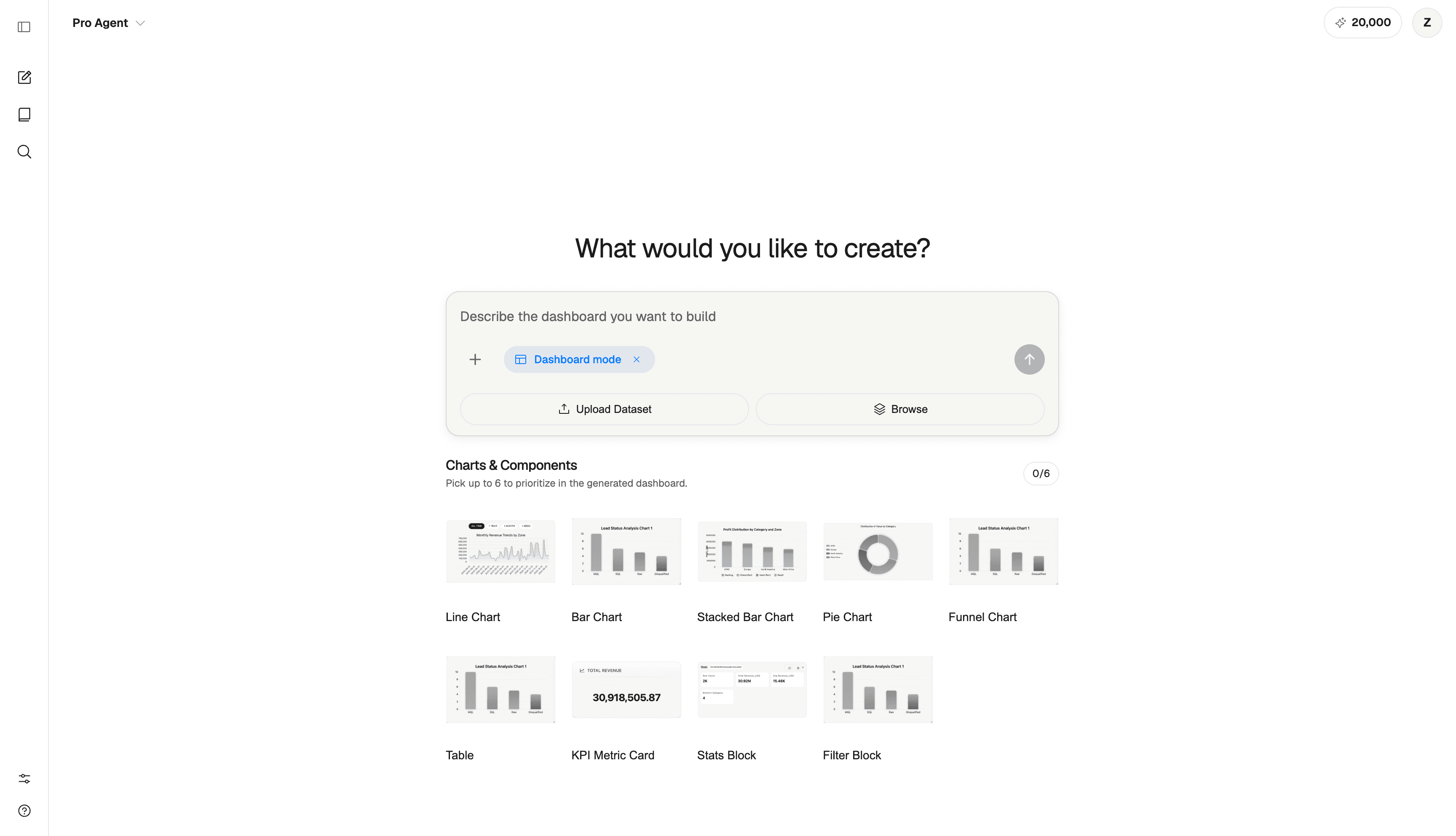
Upload your data, type what you want to see, and get a complete dashboard with charts, KPIs, filters, and written insights in minutes.
Turn raw data into KPI cards, trend charts, and written takeaways your team can scan quickly.
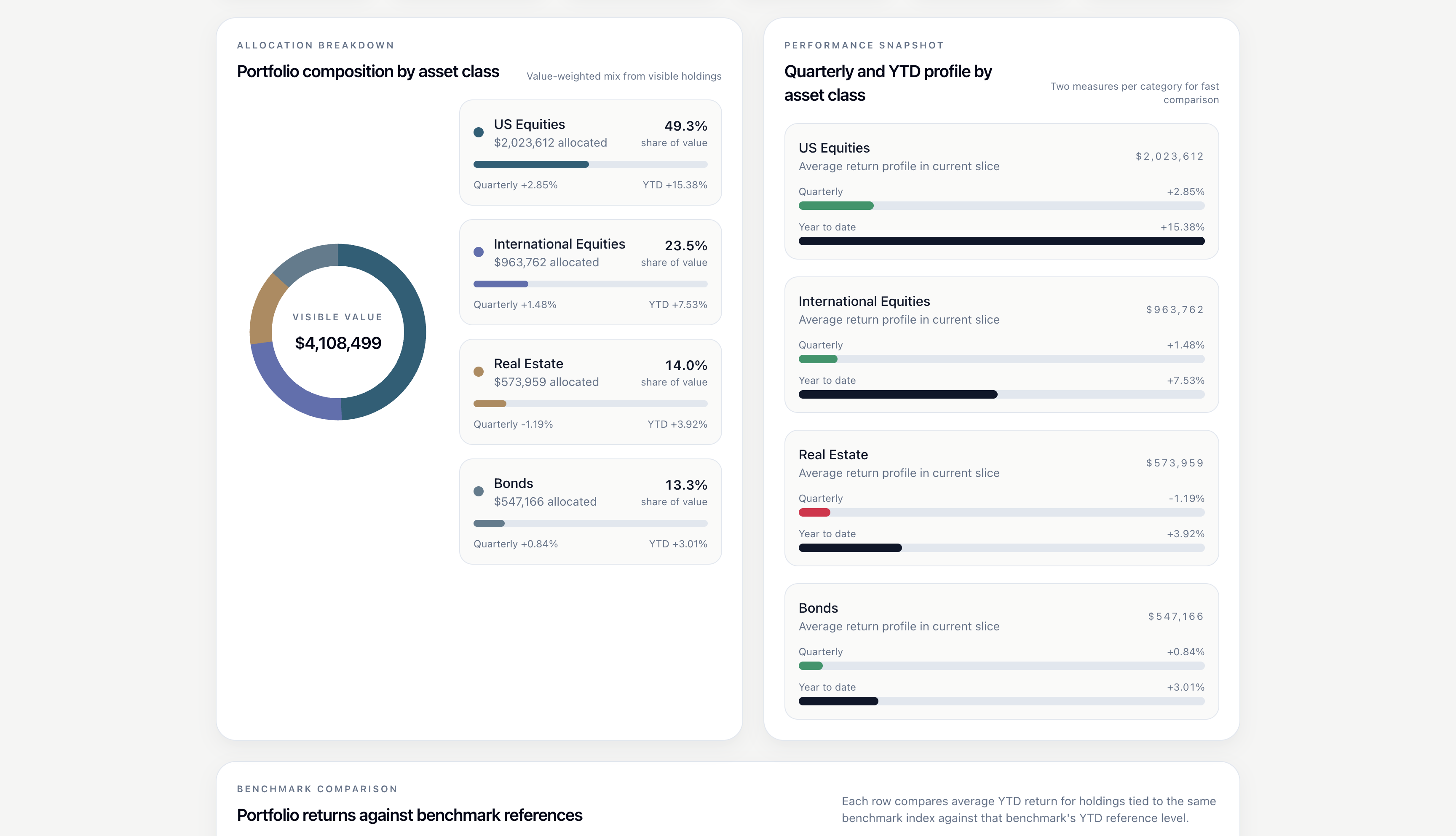
Compare segments, spot movement across metrics, and turn dashboard data into clear analysis.
Create a polished dashboard view with charts, summaries, and context ready for leadership review.
Describe the dashboard, ask follow-up questions, and share a finished analytics view.
Tell AI what metrics, trends, and questions you want to track.
Refine charts and insights with plain-English questions.
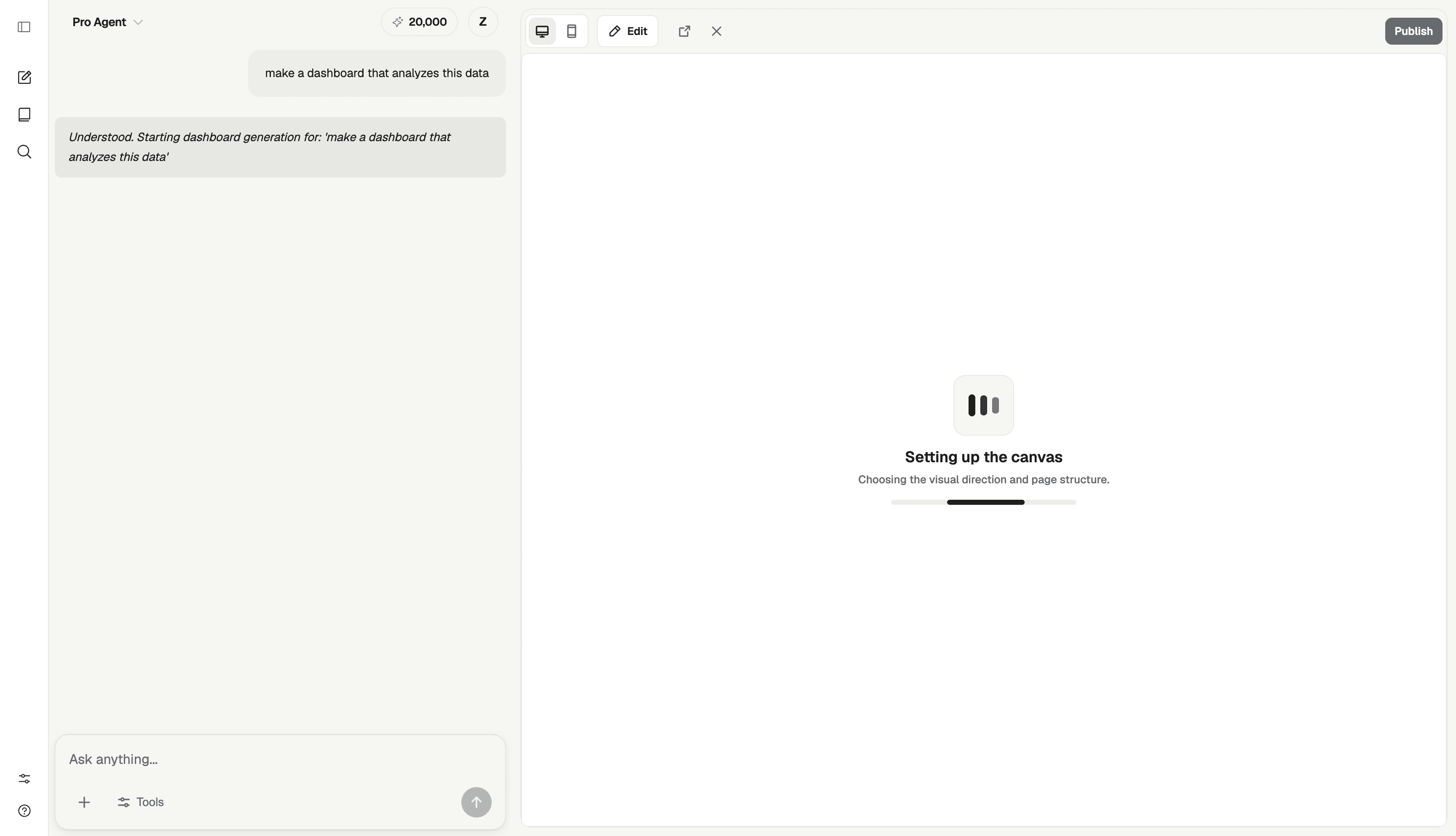
Get KPIs, charts, and analysis organized into a ready-to-share view.
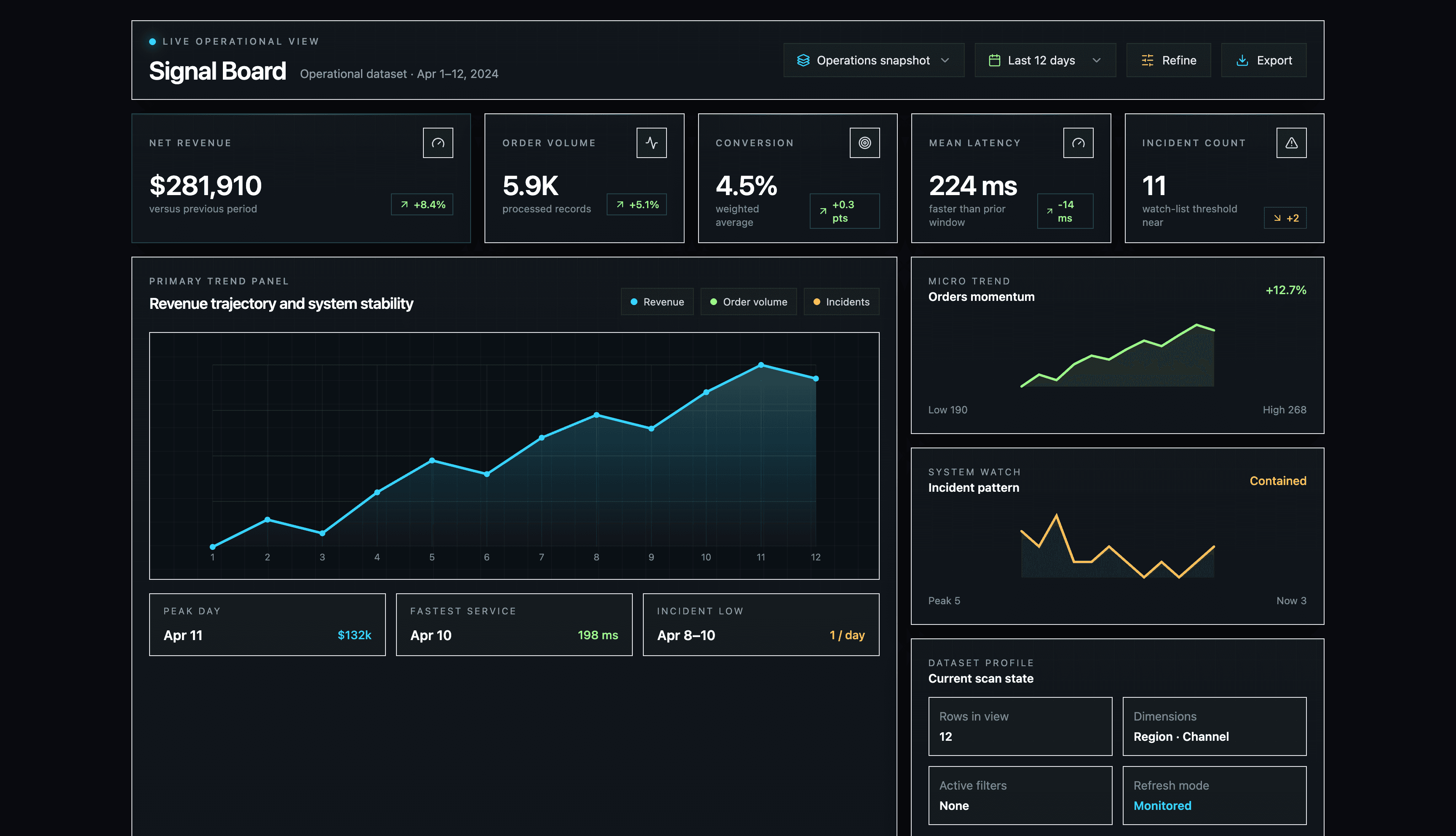
From prompt to charts to insights in three steps.
Describe what you want to understand in plain English.
Get bar charts, line graphs, KPIs, and tables automatically.
AI writes analysis explaining what the data means.
Every dashboard has an AI chat panel. Ask for new breakdowns, drill into anomalies, or request explanations of any metric.
Every visualization includes written commentary. AI identifies trends, flags outliers, and gives you language for reports and presentations.
Best-performing products ranked by net revenue:
Quick insight: Business leads revenue at $40.3k, while Starter is unprofitable despite high volume — consider pricing review.
AI picks the right structure—executive summary, deep-dive analysis, or filtered exploration.
Bar, line, pie, scatter, KPI cards, tables, funnels, histograms—chosen based on your data.
AI-generated commentary explains trends and anomalies for every chart.
Slice by region, time, segment, or any dimension. Save and share filtered views.
Connect once. Dashboards refresh automatically on your schedule.
Apply your colors and fonts. Every dashboard stays on-brand.
Set colors, fonts, and styling once. AI applies your theme to every dashboard automatically.
Cohort analysis, churn trends, segment breakdowns, and AI insights on at-risk customers.
Waterfall charts, variance analysis, executive summary, and talking points.
Conversion rates by channel, drop-off points, and optimization recommendations.
Operational metrics with anomaly detection and AI alerts.
Leaderboards, pipeline views, and insights on reps and deals.
Feature adoption, user journeys, and retention drivers.
Upload a spreadsheet to start. Connect your data warehouse for live analytics. AI detects your schema automatically.
Monthly breakdown · YTD 2024
SELECT
  DATE_TRUNC('month', created_at),
  segment,
  SUM(revenue) AS total
FROM sales_transactions
GROUP BY 1, 2
ORDER BY 1;Upload a CSV, Excel file, or connect your data warehouse. Describe what you want to see in plain English. AI builds a complete dashboard in minutes.
Do I need to know SQL or have technical skills?
No technical skills required. AI handles SQL, chart selection, and layout.
Yes. Every dashboard has an AI chat panel. Ask 'why did revenue drop in March?' or 'show this by customer segment.'
What kind of questions can I ask?
Request new analyses, drill into anomalies, compare time periods, or change groupings.
AI analyzes your data types and question to select visualizations. Time-series gets line charts, categories get bar charts, distributions get histograms.
Can I change the visualizations it picks?
You can change chart types, adjust layouts, and modify settings in the editor.
Yes. Generate shareable links with customizable access levels and filter restrictions.
How do permissions and access controls work?
Set role-based permissions and use expiring links for sensitive data.
Connected dashboards refresh automatically—hourly, daily, or on-demand.
Can I schedule automatic refreshes?
For spreadsheet uploads, replace the file or connect a data source for auto-refresh.
AI generates commentary based on patterns in your data. It identifies trends, flags anomalies, and explains changes.
Are they accurate and useful for real decision-making?
Insights describe what the data shows—no speculation or made-up information.
Yes. Set your colors, fonts, and styling in the theme editor.
Do dashboards work with my existing design system?
Brand settings apply to all dashboards automatically.
Upload CSV, Excel, or Parquet files. Connect to major data warehouses and databases.
Can I connect to my existing data warehouse?
Contact us for enterprise integrations with specific data sources.