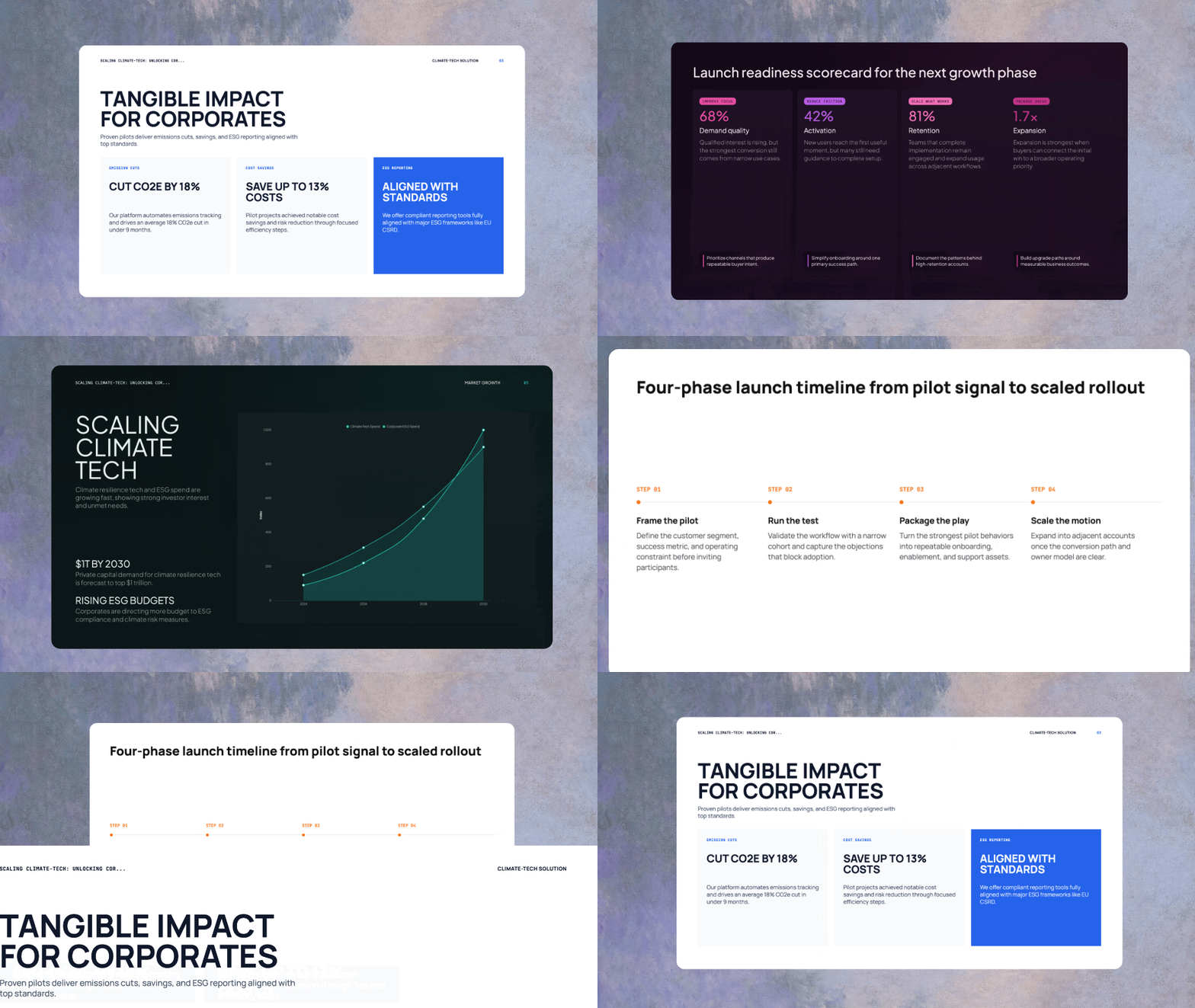
Describe a site, get a beautiful one
Turn a single prompt into a polished, SEO-ready website with great design, content, and imagery.

Streaming preview
See components render as AI writes them. Preview updates live.
Auto image sourcing
AI searches Pexels for relevant images and inserts them automatically.
Research context
Enable web research to inform content, copy, and structure.
How it works
Prompt, plan, generate, publish—in minutes.
Edit and preview side by side
Chat on the left, live preview on the right. Ask for changes and watch them render instantly.
Real components, not templates
AI generates TypeScript React components with Tailwind CSS and Framer Motion. Export and extend in your own codebase.
Website capabilities
React + TypeScript
Full component architecture. App.tsx entry point, organized /src structure.
Tailwind CSS
Utility-first styling applied automatically. Responsive by default.
Framer Motion
Animations and transitions included where appropriate.
Auto image sourcing
AI searches Pexels and inserts relevant images with proper alt text.
Recharts integration
Data visualizations for dashboards and analytics sites.
One-click publish
Deploy to a live URL instantly. Share or embed anywhere.
Chat to refine
Ask AI to change colors, add sections, or restructure the layout. Conversation and preview stay in sync.
Live URL in one click
Publish to a hosted URL instantly. No server setup, no deployment configuration.
What you can build
"Build a landing page for a fintech startup."
Hero, features, pricing, testimonials, and CTA sections.
"Create a portfolio site for a photographer."
Gallery grid, about section, contact form.
"Build an analytics dashboard with charts."
KPI cards, line charts, bar charts, data tables.
"Design a SaaS marketing site."
Feature comparisons, pricing tiers, FAQ section.
"Create a restaurant website with menu."
Hero image, menu sections, location, hours.
"Build a conference landing page."
Speaker lineup, schedule, registration CTA.
01What tech stack does AI use?
What tech stack does AI use?
React with TypeScript, Tailwind CSS, Framer Motion, and Recharts. Export and use in your own projects.
Can I export the code?
02How do images work?
How do images work?
AI searches Pexels based on context and inserts high-quality images with proper alt text.
Where do they come from?
03Can I edit the site after generation?
Can I edit the site after generation?
Yes. Chat to request changes or edit the code directly. Preview updates live.
Is there a visual editor?
04How does publishing work?
How does publishing work?
One-click publish to a hosted URL. No server setup required.
Do I need my own hosting?
05Can I use my own domain?
Can I use my own domain?
Custom domains coming soon. Currently publishes to a provided URL.
Is custom domain supported?
06How long does generation take?
How long does generation take?
Most sites generate in 1-3 minutes. Watch the plan and components build in real time.
Can I watch it build?