Describe the outcome.
Start with a question or brief, then add the files, data, and context ML Clever should use.
Prompt Ideas
Describe what you need. ML Clever researches, analyzes, structures, and designs a deliverable you can refine and share.
Start with a question or brief, then add the files, data, and context ML Clever should use.
Create a structured document, interactive dashboard, presentation, or website from the same body of work.
Edit the content, sharpen the analysis, apply a visual direction, and share a polished final deliverable.
Your sources, data, and decisions remain part of the work from the first prompt through the finished deliverable.
Add the files, spreadsheets, notes, data, and current research that should shape the work.

ML Clever organizes the evidence, finds the structure, and generates the format your audience needs.
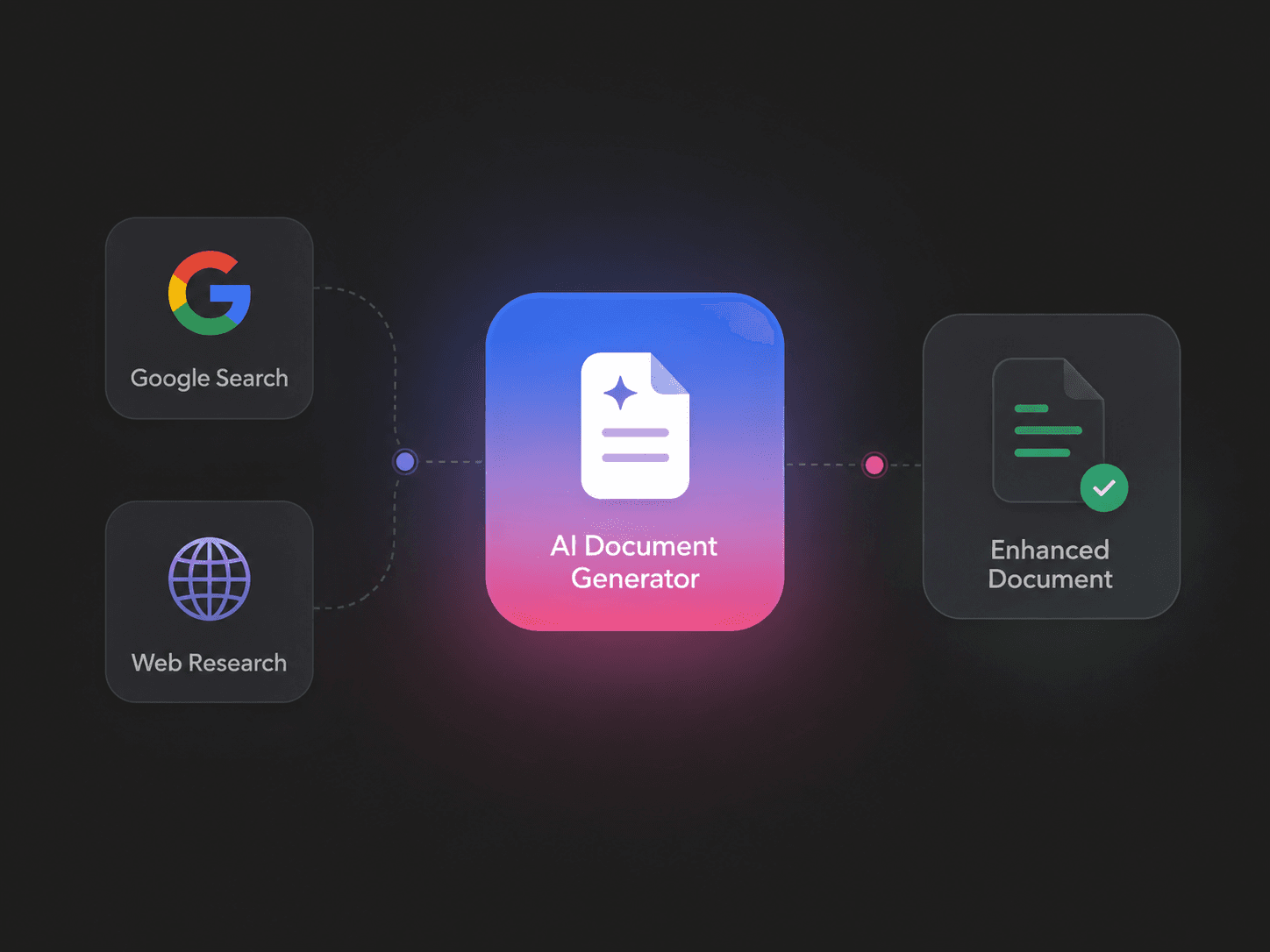
Improve the reasoning, content, and design, then share the finished work without rebuilding it elsewhere.

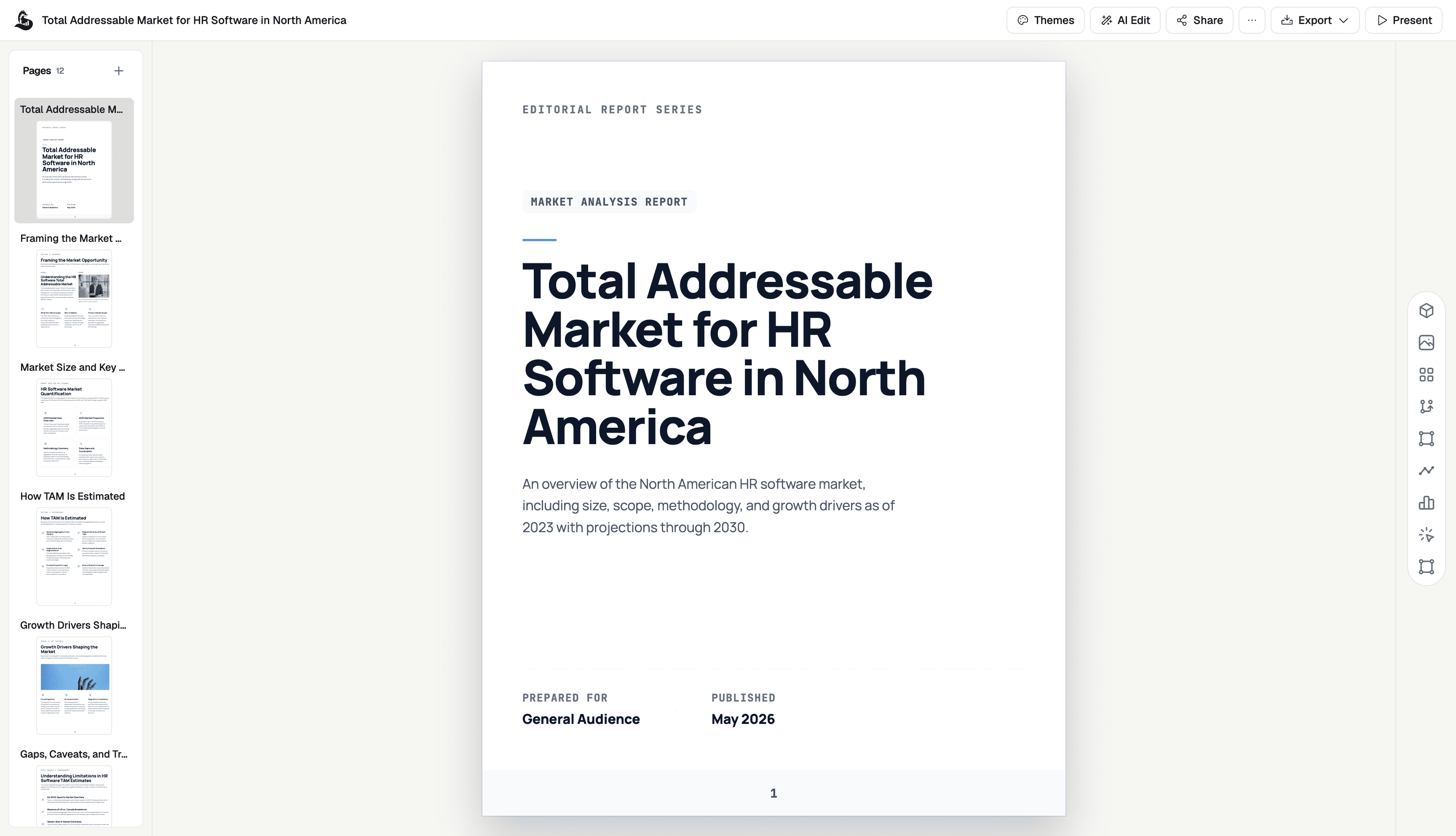
Create research reports, memos, briefs, and updates that connect evidence to a clear conclusion and recommendation.
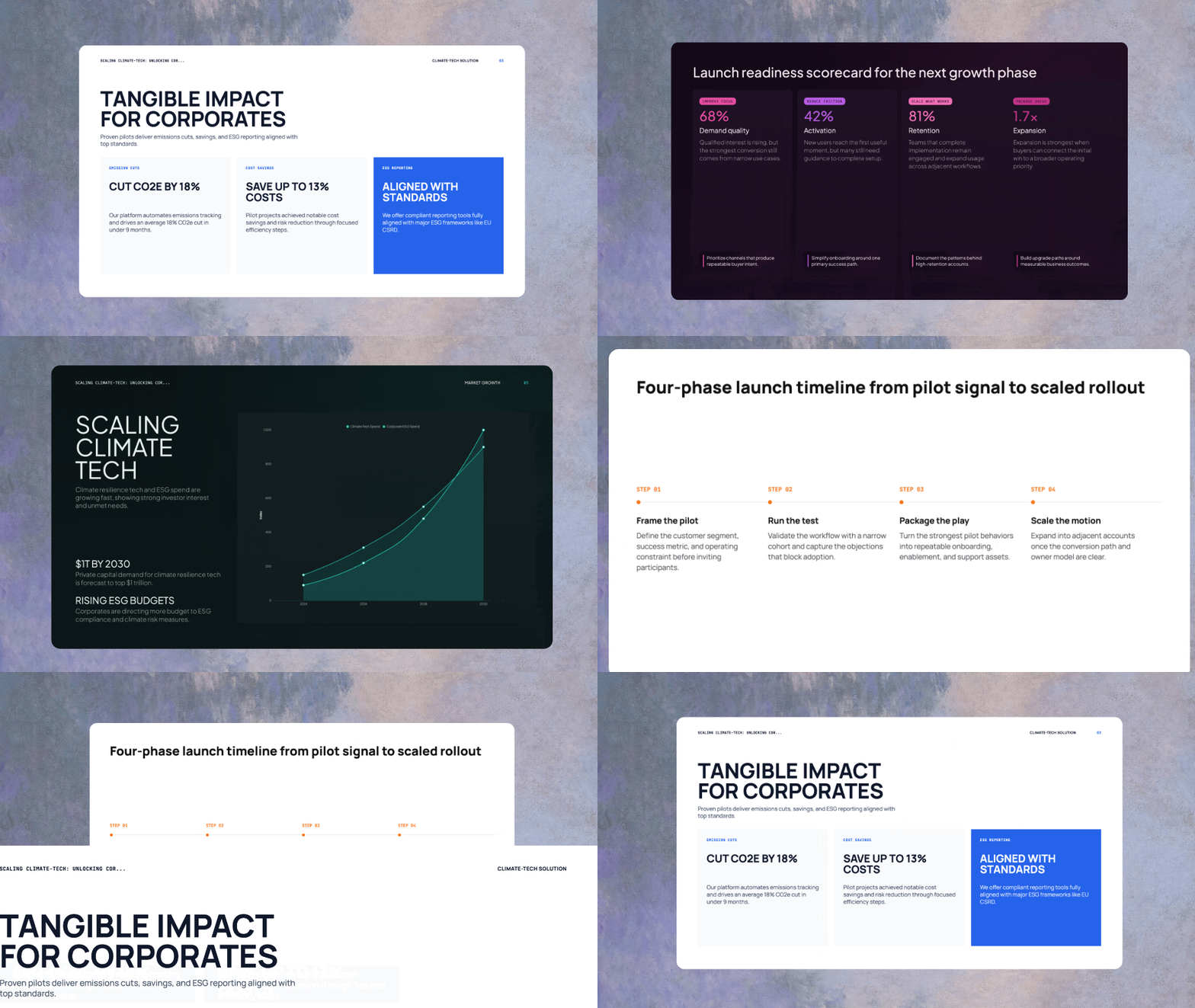
Turn research and an outline into a coherent slide deck with speaker notes, citations, and a consistent visual system.
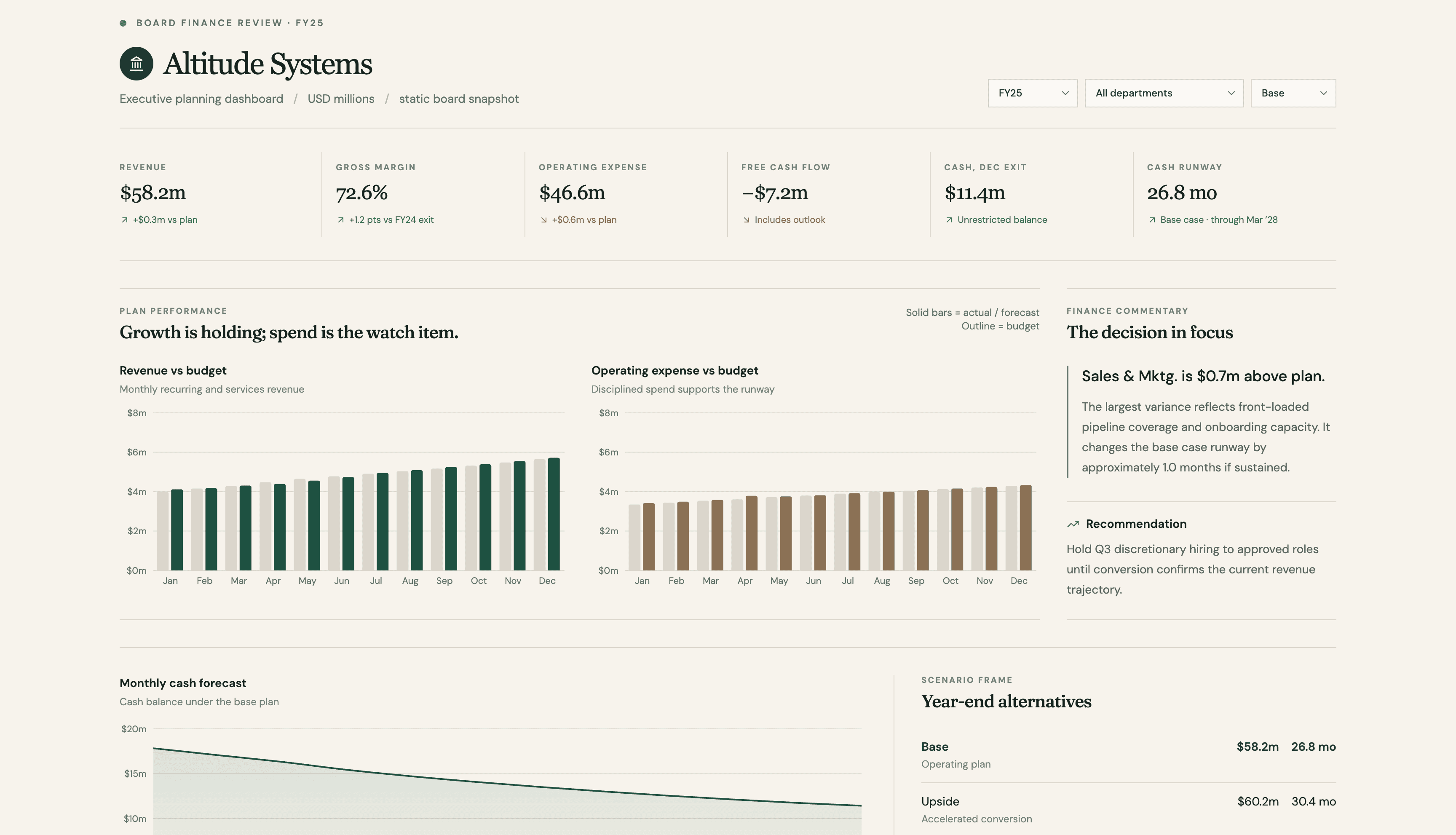
Turn spreadsheet or warehouse data into KPIs, charts, filters, comparisons, and written insights your team can act on.
Go from a brief to a polished business website with clear messaging, responsive layouts, and the pages your launch needs.
Use the same workspace for research, analysis, communication, reporting, launches, and repeatable operating work.
Synthesize files, current research, and data into an evidence-backed answer with a clear point of view.
Create concise briefs, updates, and presentations that make the decision and the next step easy to understand.
Bring metrics and narrative together in dashboards and recurring reports that explain what changed and why.
Build proposals, account plans, client readouts, and shareable experiences around the work already in motion.
Turn positioning and product context into launch briefs, decks, dashboards, and campaign websites that stay aligned.
Document processes, standards, and decisions in formats teams can find, understand, and keep current.
ML Clever is an AI work platform for creating business documents, dashboards, presentations, and websites from prompts, files, research, and data.
Create research reports, business briefs, interactive dashboards, slide presentations, landing pages, and complete business websites.
Yes. Add documents, spreadsheets, notes, data, and background material so the generated work reflects your evidence and context.
No. Describe the outcome in plain language, then refine the content, structure, analysis, layout, and visual direction in the editor.
Yes. Edit the content directly, prompt individual sections, adjust the layout and theme, and keep refining until the result is ready to share.
ML Clever turns the conversation into structured, visual deliverables you can continue editing—not just text that must be copied into another tool.