Opening message
Introduce the topic and the takeaway attendees should remember. Make the opening relevant to their problem and level of knowledge.
Deliver a polished conference keynote that showcases your product vision, customer impact, and roadmap with crisp visuals and data points.
Customize your presentationExample preview · 7 slides
Seven example slides show an opening message, impact metrics, product features, a customer story, demo framing, Q&A, and next steps. The figures and testimonials are illustrative content to replace with approved evidence before presenting.
Generate a presentation from your brief, or copy the example into your workspace.
Generate in ML Clever Copy to my workspaceYour generated presentation will reflect your brief and sources. The preview shows example slides.
Introduce the topic and the takeaway attendees should remember. Make the opening relevant to their problem and level of knowledge.
Explain the challenge and how the product or approach changes the workflow. Focus on the capabilities that support the story instead of presenting a feature inventory.
Support the message with approved examples, quotes, and metrics. Show the source and context of important figures and replace illustrative claims in the sample slides.
Tell attendees what to look for before demonstrating the product. Choose a short workflow with a clear outcome and prepare an alternative if a live demonstration is unavailable.
Explain relevant next steps, separating available capabilities from future plans. Allow space for audience questions and avoid implying that tentative work has a confirmed release date.
Recap the main takeaway and give attendees one clear next step, such as requesting a demo, continuing the conversation, or exploring a resource.
Start with a clear structure, then tailor the evidence and recommendation to the people in the room.
Choose the one message attendees should remember. Fill in the prompt with the duration, audience, product story, approved proof, and closing action. Attach supporting materials in Slides mode.
Generate from your brief or copy the example into your workspace. Replace sample figures and testimonials, adapt the theme, and keep each slide focused on a single point.
Check claims and permissions, test the demo, and rehearse against the time limit. Make the text readable from a distance and leave enough time for questions and the closing next step.
Build a clear narrative from the opening message and audience problem to the solution, evidence, and next step. Include a demo, roadmap, or Q&A when it helps the audience understand the topic.
Yes. Set the launch topic and audience in the prompt, then add confirmed product capabilities, approved proof points, demo details, and the action you want attendees to take.
No. They illustrate the layout. Replace them with figures and quotes you can verify and have permission to share. Remove any claim you cannot support.
Use a short heading and only the detail needed to support one point. Put dense supporting material in an appendix or separate document so the audience can follow the speaker and visuals.
You can browse the example slides and use the outline and prompt on this page. Generate a presentation from your own brief or copy the example into your ML Clever workspace to adapt its text, structure, and theme.
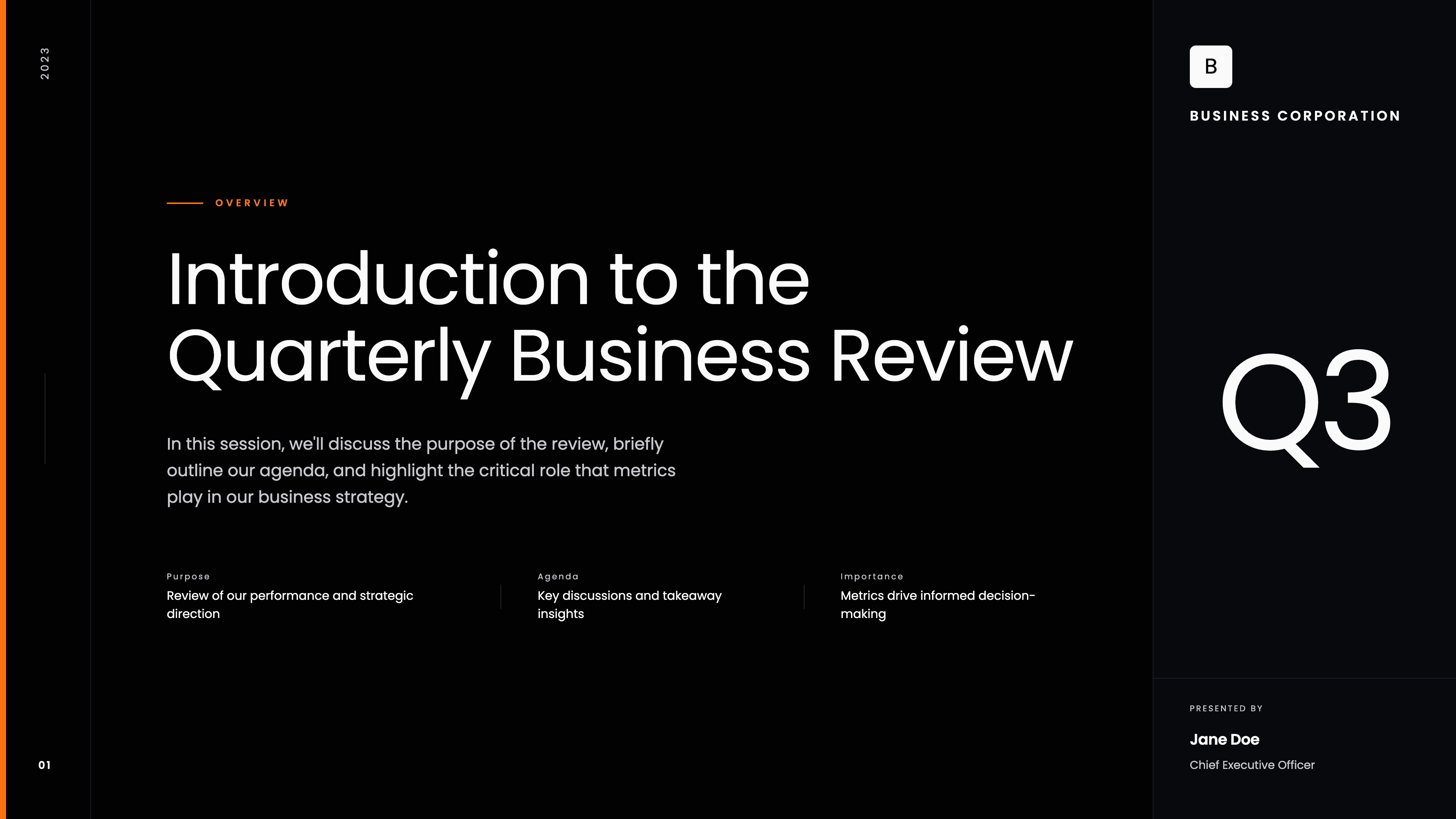
Corporate
Run an executive-ready QBR that ties strategy, product, revenue, and delivery to clear outcomes and next-quarter commitments.
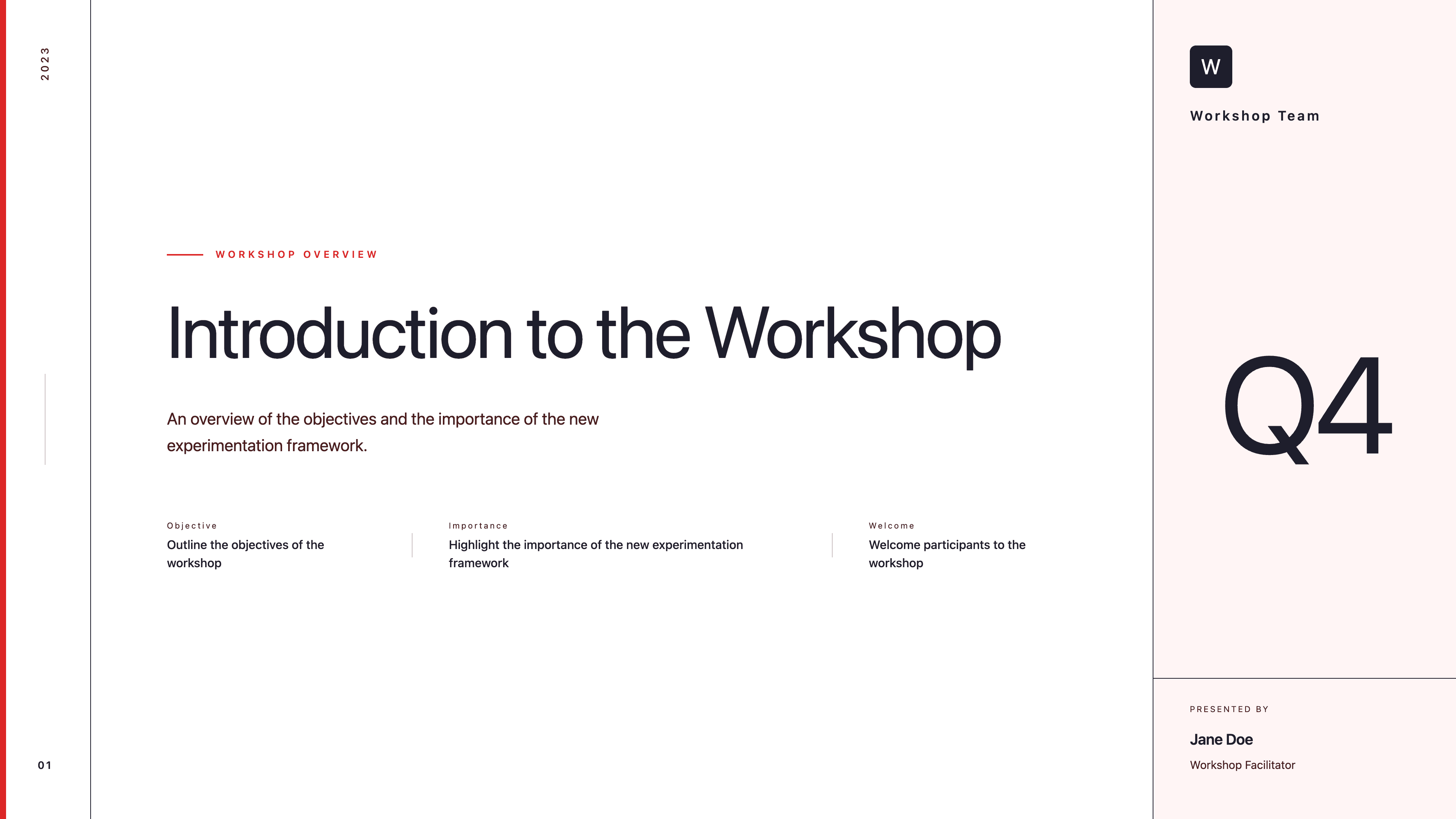
Corporate
Guide a collaborative business workshop with agenda, problem framing, breakout prompts, and next-step commitments in one clear deck.
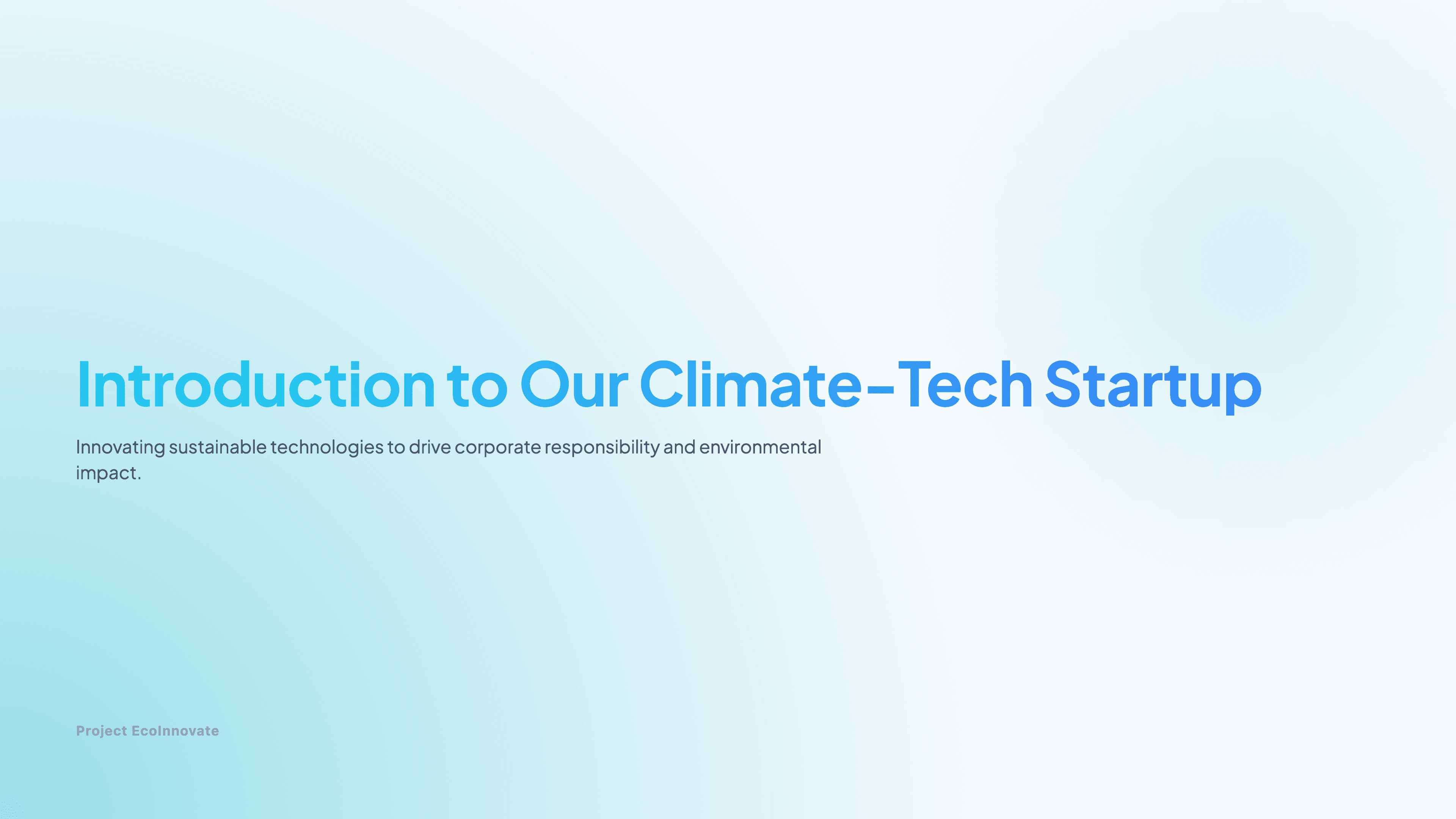
Startup
Introduce your climate-tech venture with a concise, credibility-building deck that highlights mission, market need, and measurable impact.