Quarterly context and headline
Name the team, quarter, and audience. Lead with the main change in performance and the decision the review should support. The opening preview shows one way to establish that context.
Run an executive-ready QBR that ties strategy, product, revenue, and delivery to clear outcomes and next-quarter commitments.
Customize your presentationExample preview · 2 slides
Two preview slides show the opening context and executive summary of an example QBR. Use the outline below to build the rest of your review. Replace the example companies, figures, and market claims with verified information for your own quarter.
Generate a presentation from your brief, or copy the example into your workspace.
Generate in ML Clever Copy to my workspaceYour generated presentation will reflect your brief and sources. The preview shows example slides.
Name the team, quarter, and audience. Lead with the main change in performance and the decision the review should support. The opening preview shows one way to establish that context.
Summarize the most important wins, misses, and unresolved questions. Tie each point to evidence from the reporting period so leaders can understand the quarter before reviewing individual metrics.
Compare a focused set of actuals against targets and, where useful, the previous quarter. Define the metrics and include units, periods, and source notes. Explain material changes without presenting assumptions as causes.
Connect launches, adoption, renewals, and delivery work to customer or business outcomes. Use confirmed examples and relevant measures instead of listing every activity.
Make important blockers and requests visible. State the impact, response, owner, and decision needed, with a clear distinction between a proposal and an approved commitment.
Close with priorities, intended outcomes, milestones, and accountable owners. Set the plan around the next reporting period and move detailed functional updates into an appendix when needed.
Start with a clear structure, then tailor the evidence and recommendation to the people in the room.
Collect the latest results and reconcile reporting periods and metric definitions. Replace the prompt placeholders with your audience, headline, and decisions needed. Attach supporting reports in Slides mode.
Generate a presentation from your brief, or copy the example into your workspace. Replace its companies, claims, and figures with your own. Add the scorecard, highlights, risks, and plan your audience needs.
Check every figure against its source and confirm owners, dates, and approval status. Make sure the summary agrees with the detailed slides, then rehearse the story and leave time for decisions.
Include an executive summary, performance against targets, customer or product highlights, risks, decisions needed, and the next-quarter plan. Select the metrics and level of detail for the people attending the review.
Yes. Adapt the prompt to a specific customer, their goals, adoption, outcomes, open issues, and joint next steps. Remove internal financial or operational information that is not appropriate for that audience.
The gallery currently contains two example slides: the opening context and executive summary. The outline and prompt also cover the scorecard, highlights, risks, and next-quarter plan so you can build a fuller review.
Use enough slides to explain performance and support the decisions in the meeting. There is no fixed slide count. Keep the main story concise and put detailed analyses or functional updates in an appendix.
You can browse the example slides and use the outline and prompt on this page. Generate a presentation from your own brief or copy the example into your ML Clever workspace to adapt its text, structure, and theme.
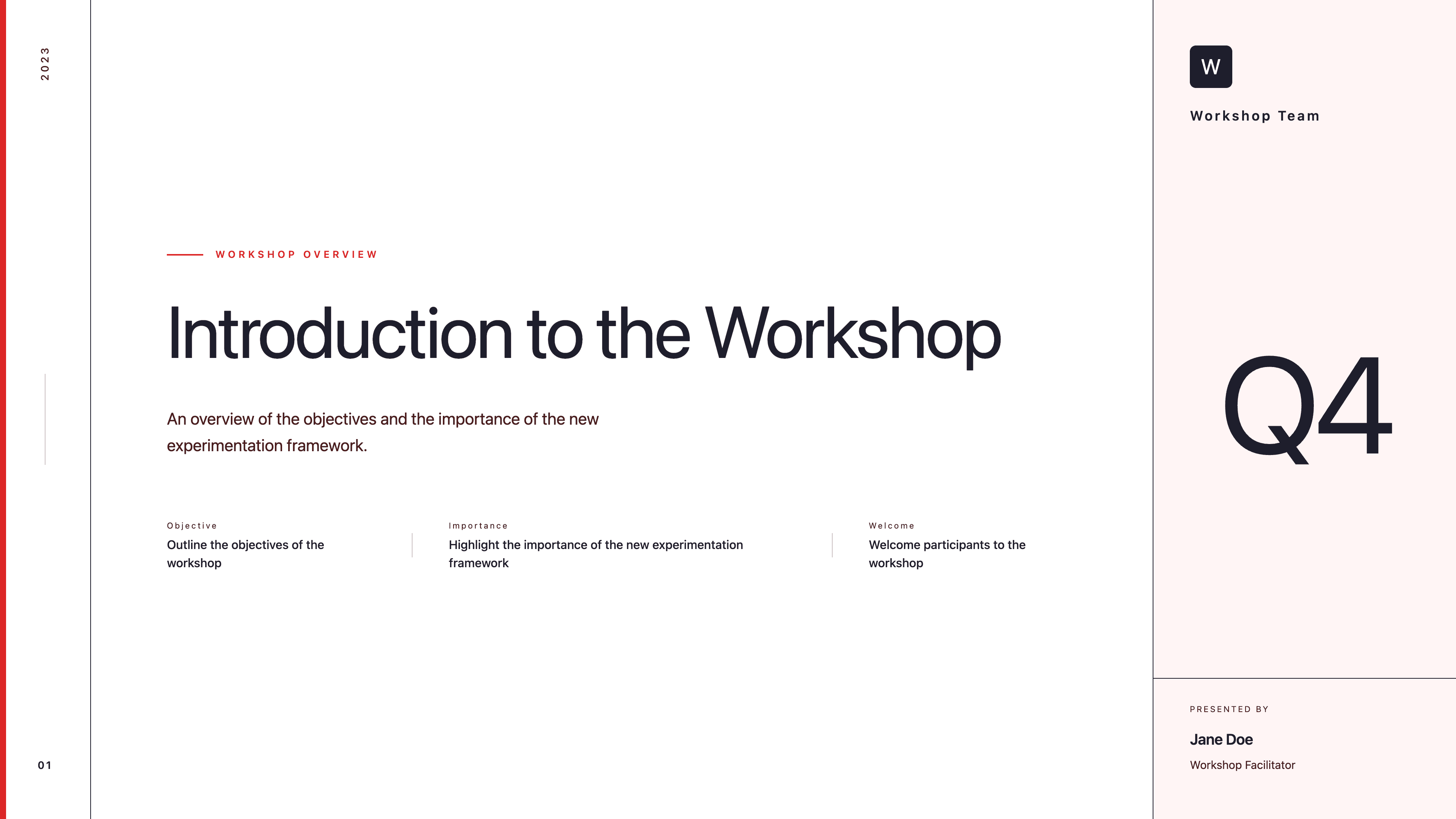
Corporate
Guide a collaborative business workshop with agenda, problem framing, breakout prompts, and next-step commitments in one clear deck.
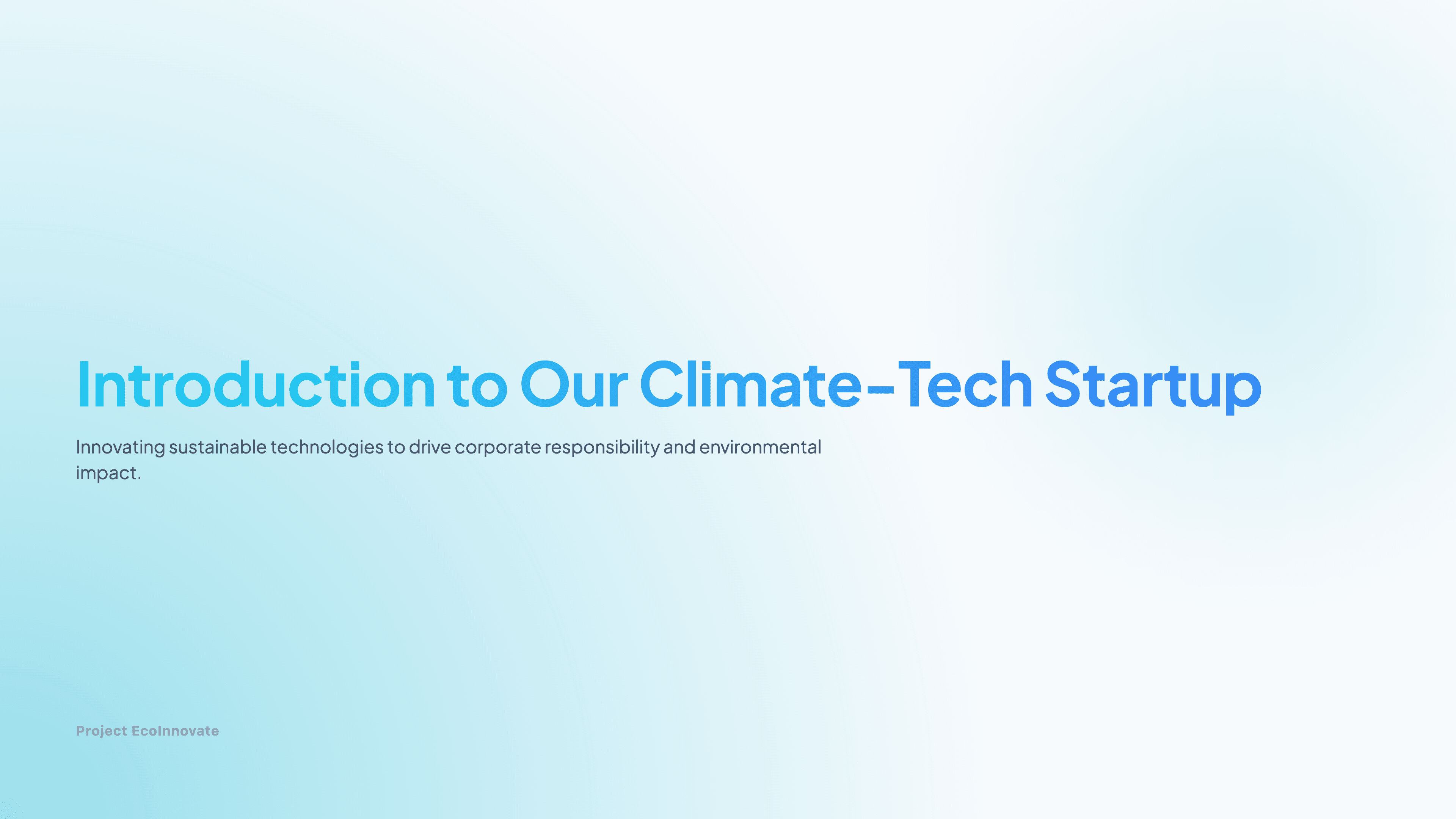
Startup
Introduce your climate-tech venture with a concise, credibility-building deck that highlights mission, market need, and measurable impact.

Corporate
Deliver a polished conference keynote that showcases your product vision, customer impact, and roadmap with crisp visuals and data points.