Start with a prompt and your sources.
Describe the outcome, then add reports, spreadsheets, notes, and other context the document should use.
Prompt Ideas
Use ML Clever’s AI document maker to turn prompts, source files, and research into editable reports, briefs, and proposals.
Describe the outcome, then add reports, spreadsheets, notes, and other context the document should use.
ML Clever organizes the research into a clear structure with claims, risks, recommendations, and connected sources.
Refine any section, apply a visual theme, and export a polished PDF or high-resolution image without rebuilding it elsewhere.
Keep your sources connected to the claims, analysis, and recommendations from the first prompt through the final editable draft.
Start with a prompt, then add the reports, spreadsheets, notes, and current research that should shape the document.

ML Clever reads across the source material, keeps evidence connected, and organizes the draft around the decision.
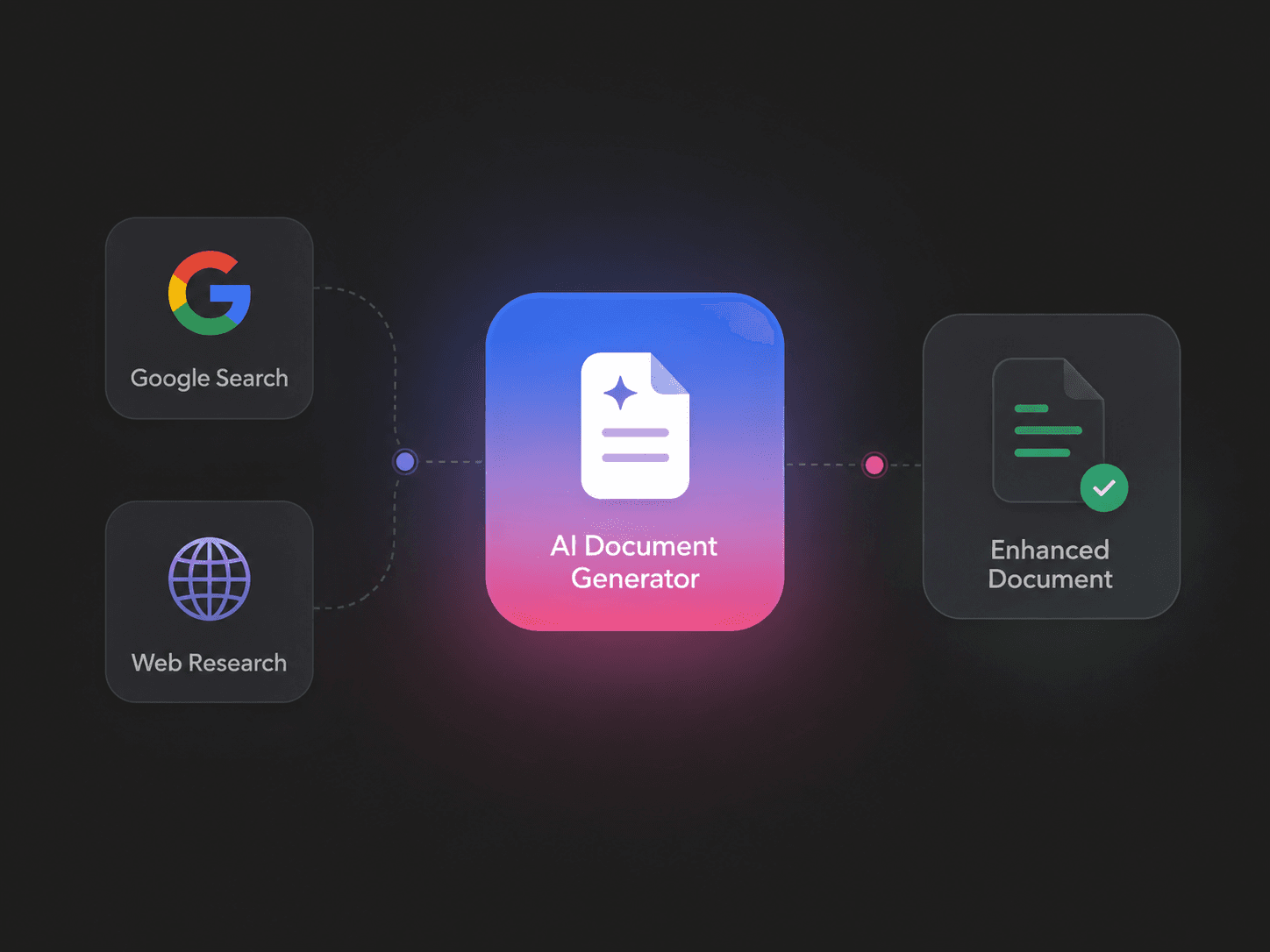
Edit the content, sharpen the recommendation, apply a theme, and export an editable document that is ready to share.

Combine reports, spreadsheets, and current web research in one cited narrative with the risks, opportunities, and next steps that matter.
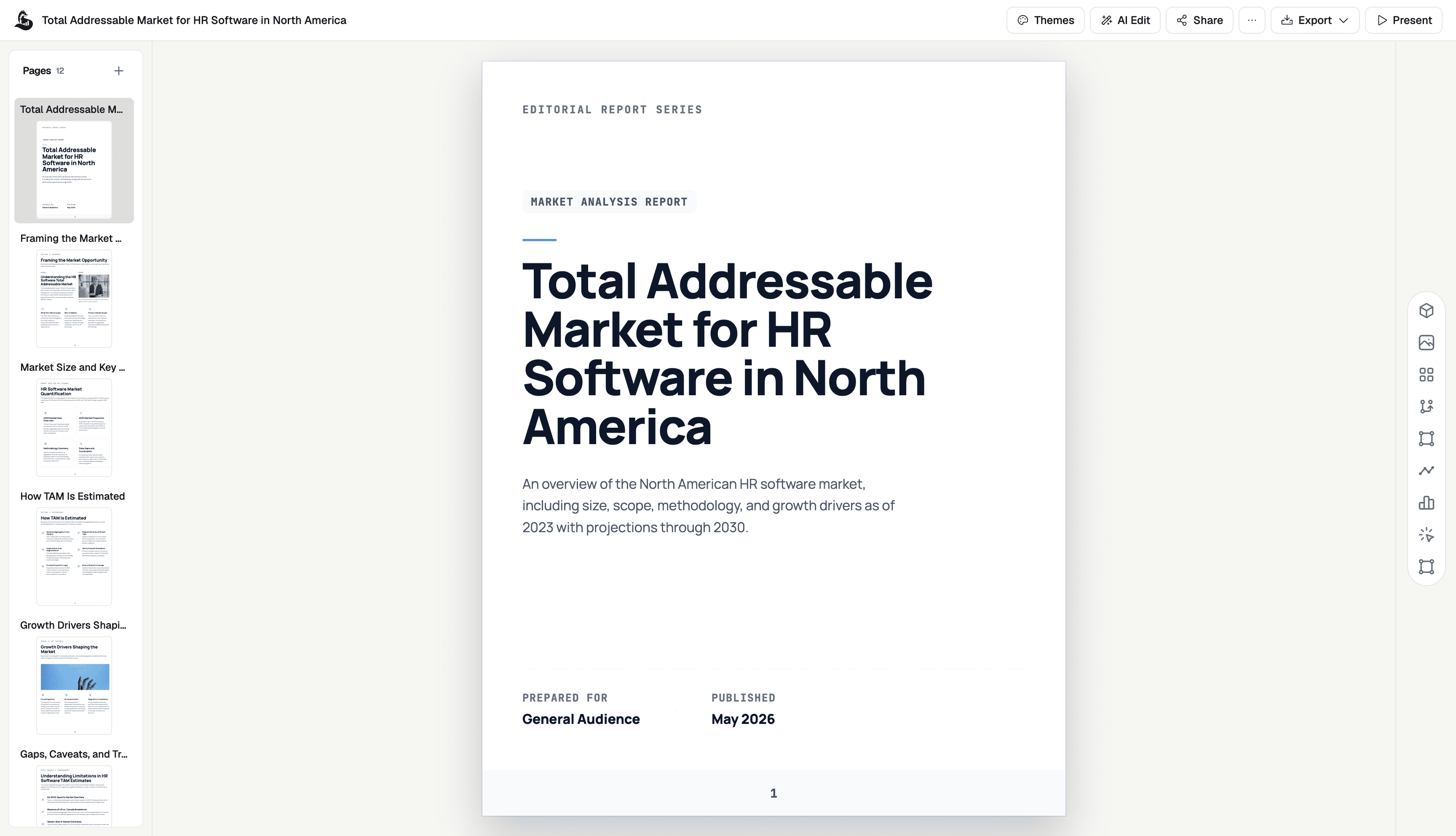
Turn operating context into a focused monthly update or quarterly business review with the metrics, decisions, owners, and next steps in one place.
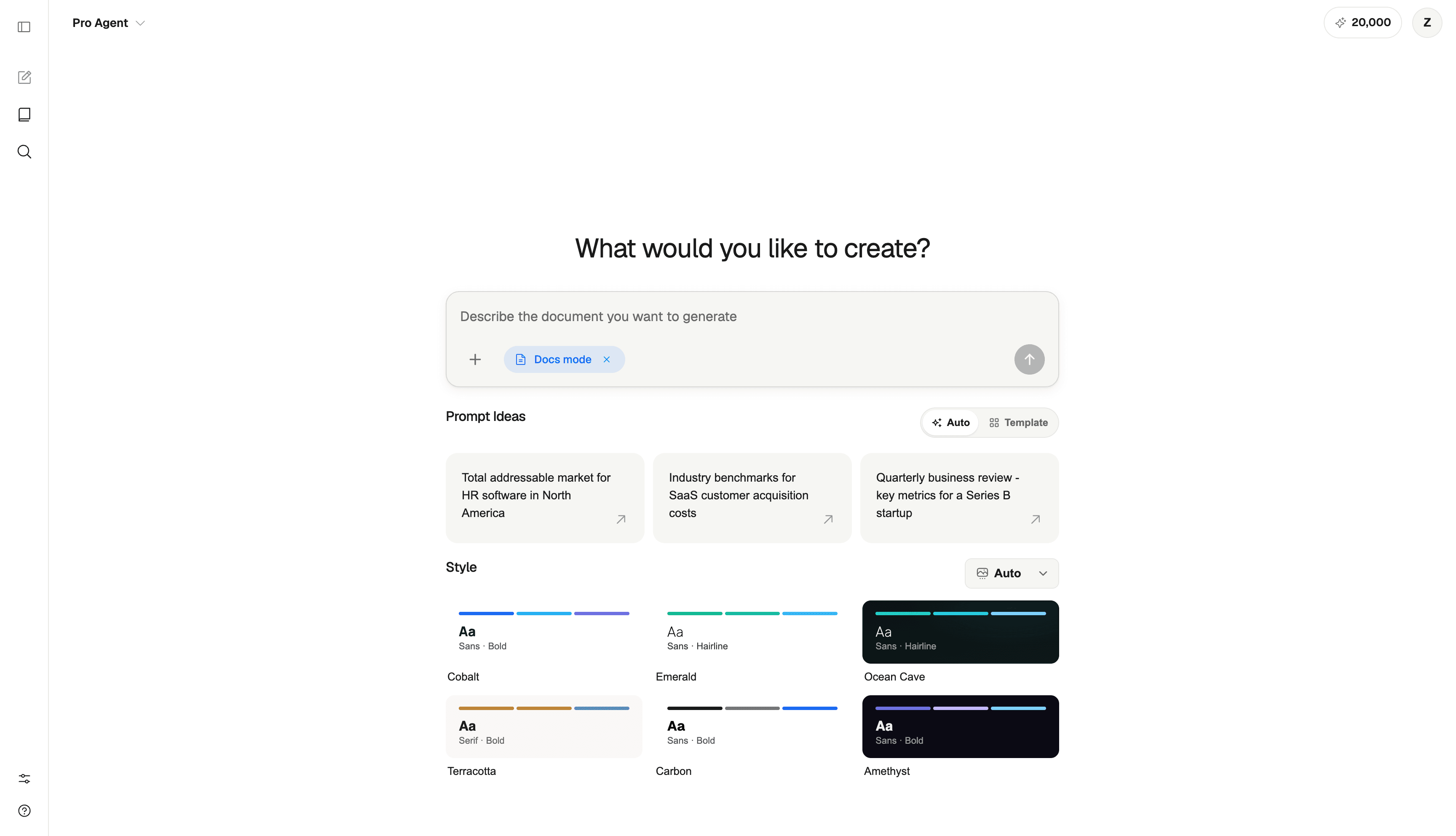
Move from working draft to an editable, branded deliverable without rebuilding the document in another tool or losing the thinking behind it.
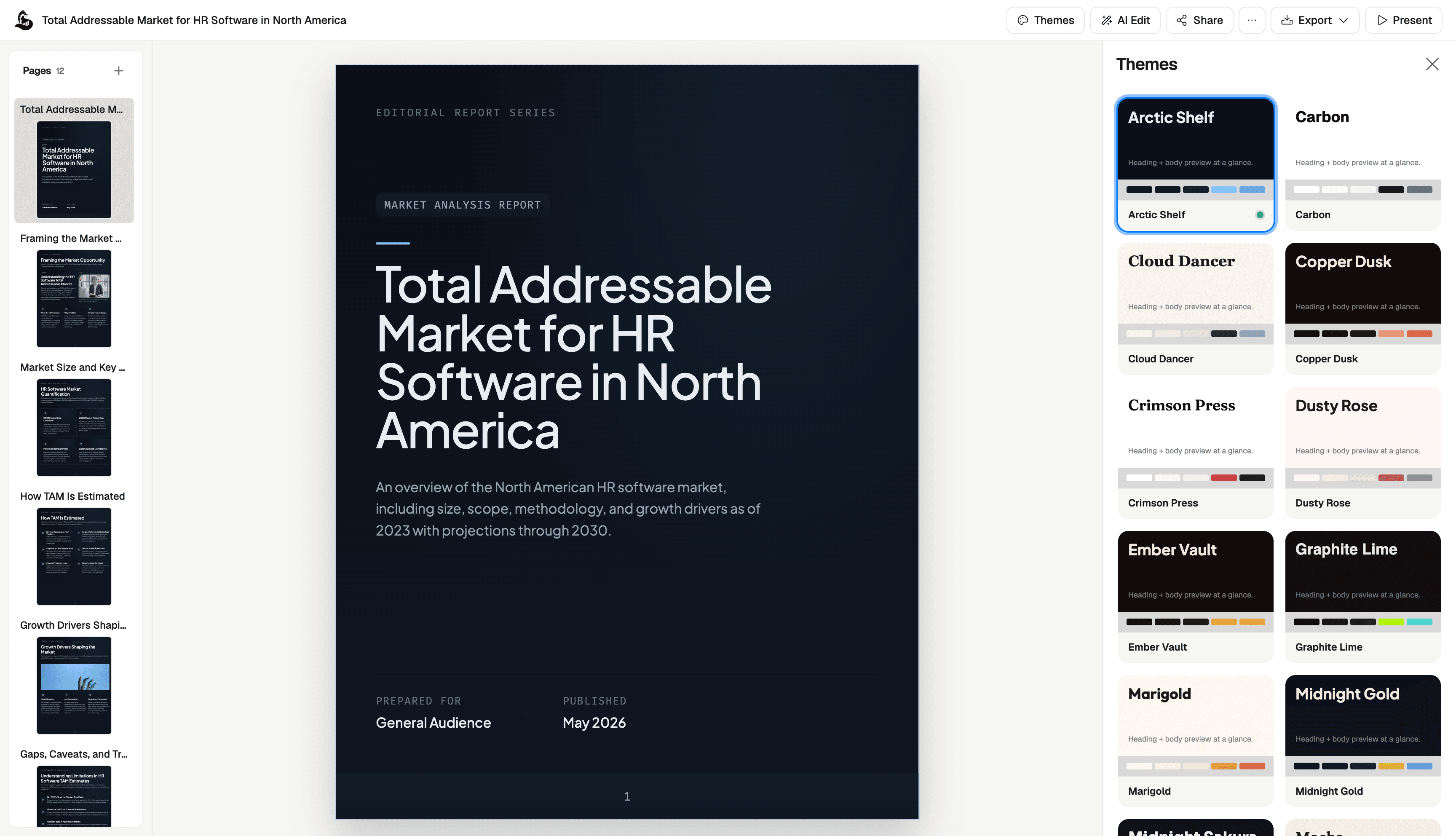
Generate editable reports, proposals, plans, board updates, playbooks, and client deliverables from your own files, data, and research.
Synthesize source material, current research, and data into a structured report with evidence attached to the claims that matter.
Build a persuasive case around the opportunity, approach, scope, and expected outcome—then tailor it to the audience in front of you.
Turn a goal and its constraints into a clear plan with priorities, tradeoffs, owners, milestones, and a point of view.
Frame what changed, why it matters, where the risks are, and what needs a decision—without burying the signal in the detail.
Document the process, standards, roles, and decision rules behind repeatable work so teams know what good looks like.
Create polished findings, recommendations, and project summaries that are ready to share under your own visual identity.
ML Clever chooses a useful outline for memos, briefs, updates, and research reports—then gives you complete control over it.
Citations, charts, and source notes appear where readers need them, not in a forgotten appendix.
Ask for a sharper recommendation, a shorter summary, or a new audience. The document updates in place.
Apply a branded theme and share the result as a polished document—without a second design pass.
An AI document generator turns a prompt and supporting context into a structured, editable document. ML Clever can combine your files, data, and current web research to create reports, briefs, proposals, memos, and executive updates.
Create research reports, proposals, strategy plans, board updates, executive briefs, operating playbooks, client deliverables, and other structured business documents.
Yes. Ask for specific sections before generation, reorder the draft afterward, or regenerate only the part that needs work.
Yes. Add source documents, spreadsheets, notes, and background material so the draft is grounded in your context.
Completely. Edit the copy directly, prompt individual sections, change the theme, and prepare the result for sharing.
Yes. When you provide sources or use web research, ML Clever can keep citations and source notes connected to the relevant claims so readers can verify the evidence.
ML Clever creates a complete document workflow rather than returning a block of text. Research, citations, document structure, direct editing, visual themes, and export controls stay together in one workspace.