Start with a prompt and your sources.
Describe the audience and objective, then add reports, data, notes, and other context the presentation should use.
Prompt Ideas
Start with a prompt, files, data, or research. ML Clever creates the outline, builds the slides, and keeps the presentation visually consistent.
Describe the audience and objective, then add reports, data, notes, and other context the presentation should use.
ML Clever researches the topic and creates an editable outline before building a coherent, source-backed presentation.
Refine the slides, apply a visual theme, and export a PowerPoint or share-ready PDF without rebuilding the deck elsewhere.
Bring the market, product, traction, competition, and financial story into one focused investor presentation supported by current research and a clear ask.
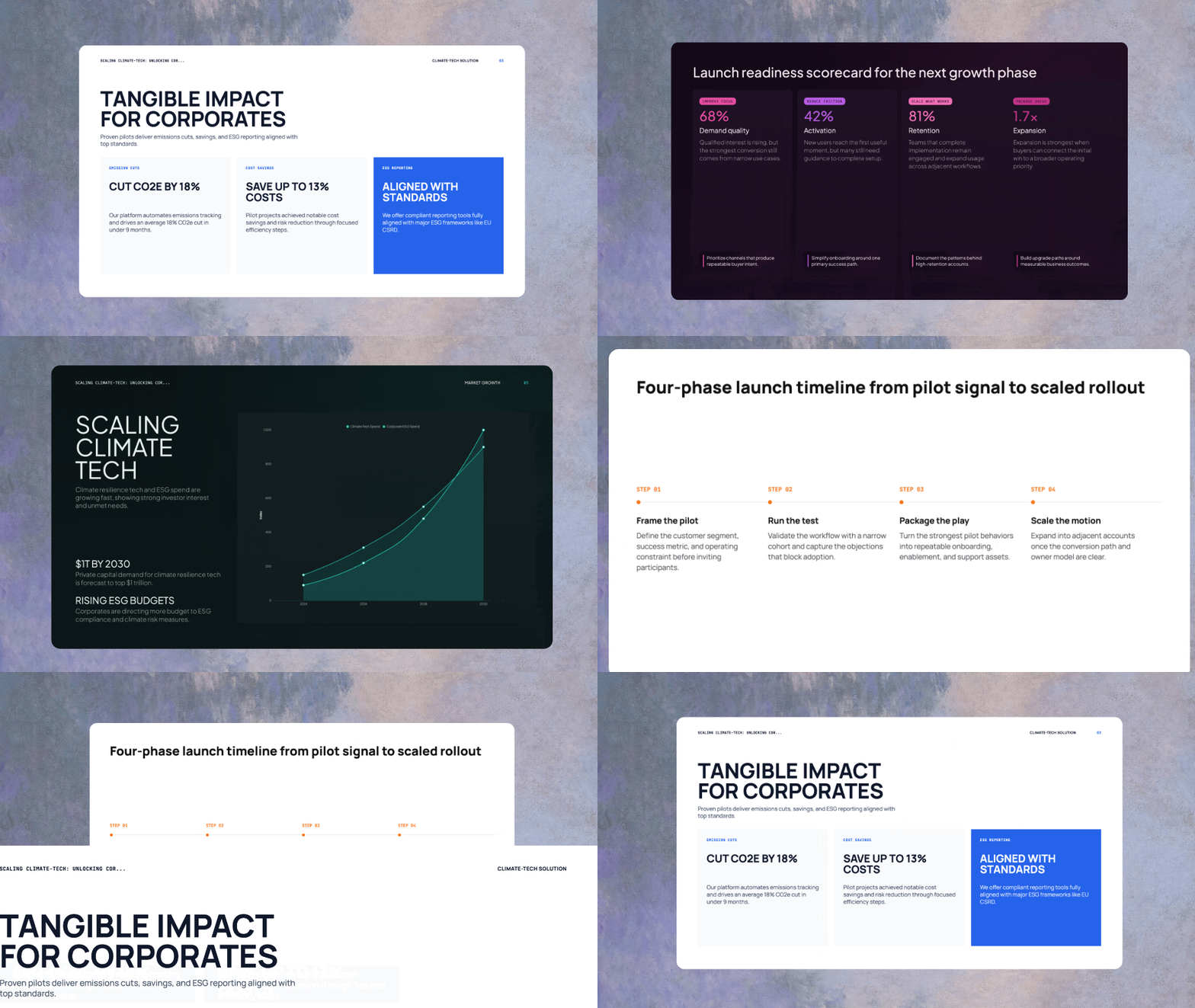
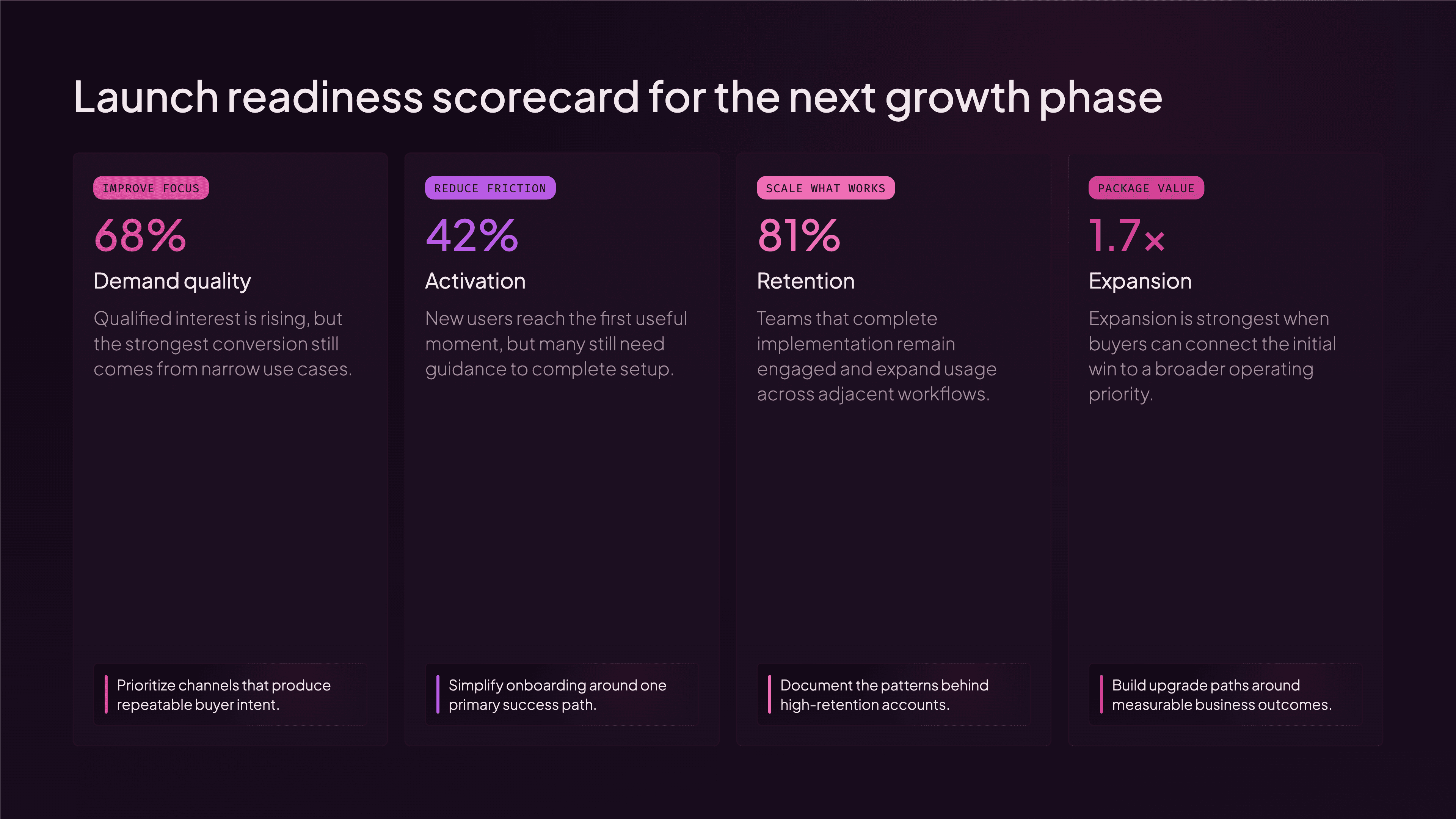
Turn performance, risks, and next steps into a QBR or board presentation that gives the room a shared view of what changed and why.
Explain the positioning, audience, rollout, owners, and milestones in a presentation that keeps the launch narrative and execution plan together.
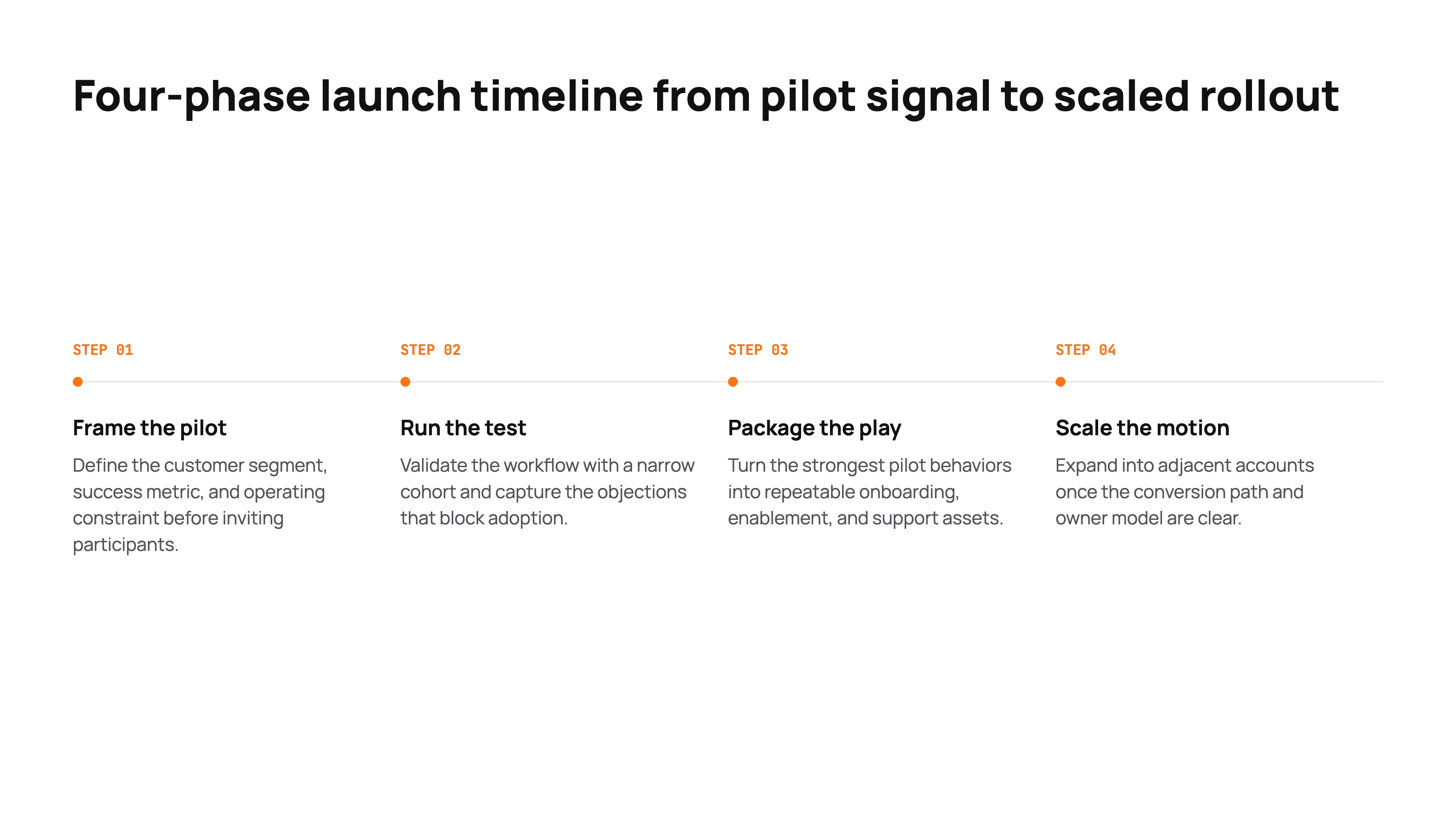
Generate editable pitch decks, QBRs, product launches, and executive updates from your own files, data, and current research.
Build a focused fundraising narrative around the problem, market, product, traction, team, and ask.
Turn performance, risks, customer context, and next-quarter priorities into a story the room can act on.
Bring positioning, audience, features, rollout, and milestones together in one consistent launch narrative.
Frame what changed, why it matters, and what needs a decision without burying the signal in the detail.
An AI presentation generator turns a prompt and supporting context into a structured, editable slide deck. ML Clever can combine your files, data, and current web research to create the outline, slide content, citations, speaker notes, and visual direction.
Create investor pitch decks, quarterly business reviews, board updates, sales presentations, product launch decks, research presentations, and other structured business presentations.
Yes. ML Clever can research during generation, keep the sources attached, and use that evidence to shape the outline and individual slides.
Yes. Add reports, briefs, notes, and other source material so the presentation reflects your own context rather than starting from a generic prompt.
Yes. Use your fonts, colors, logo, and visual preferences across the deck, then refine individual slides when they need a different treatment.
Completely. Reorder the outline, rewrite content, regenerate a slide, change layouts, and apply a new theme without rebuilding the deck.
Presentations can be prepared for sharing as a PowerPoint, PDF, or web-based presentation while preserving the finished visual direction.
Yes. Keep research sources attached to the relevant claims and generate speaker notes that add context without overcrowding the slides.