Ask your data anything
Stop waiting for reports. Upload your spreadsheet, ask questions like you'd ask a colleague, and get instant answers—complete with charts, tables, and plain-English explanations.
What were our top 5 products last quarter? Show me the trend and flag anything unusual.
Your data, finally accessible
Every team has spreadsheets full of answers—and nobody with time to dig them out. Now you can just ask.
Ask in plain English
No SQL, no formulas, no special syntax. Ask questions the way you'd ask a colleague: 'Which customers churned last month?' or 'Compare Q3 to Q4 by region.'
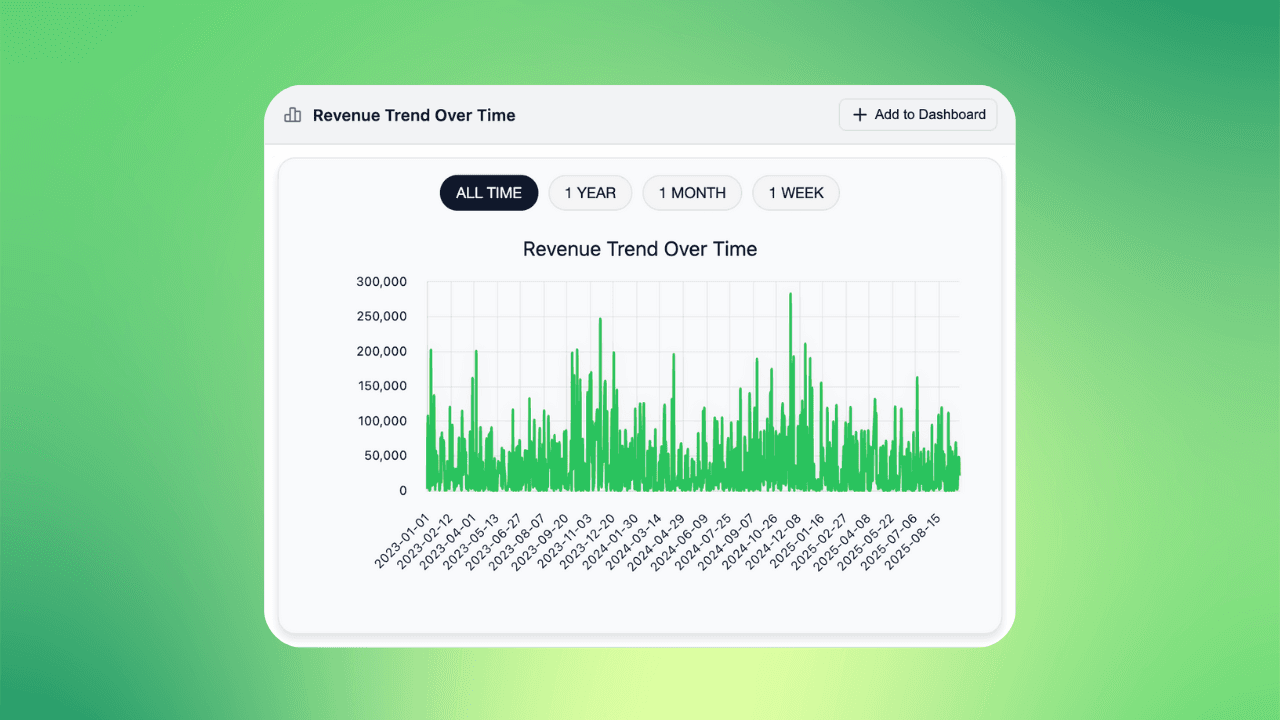
Get charts, not just numbers
AI doesn't just answer—it shows you. Every response includes the right visualization: bar charts for comparisons, line charts for trends, tables for details.
Keep the conversation going
Ask follow-ups naturally. Say 'break that down by segment' or 'now exclude returns' and watch the analysis evolve with you.
What you can ask
From quick lookups to deep analysis
Get instant answers
'What was total revenue last month?' 'How many new customers this quarter?' Get the number plus context in seconds—not days.
Analysis that adapts to your question
Smart Visualizations
AI picks the right chart automatically—bar charts for comparisons, line charts for trends, tables for details.
Multi-Step Reasoning
Complex questions get broken into steps. AI runs multiple queries, combines results, and synthesizes clear answers.
Written Explanations
Every answer includes context: what the numbers mean, what stands out, and what to explore next.
Save to Dashboards
Found something worth tracking? Save any chart to a dashboard with one click.
How it works
AI that thinks before it answers
This isn't keyword matching. The AI reads your question, examines your data, plans the right approach, runs the analysis, and explains what it found. You see the reasoning in real-time—so you can trust the answer.
Example questions
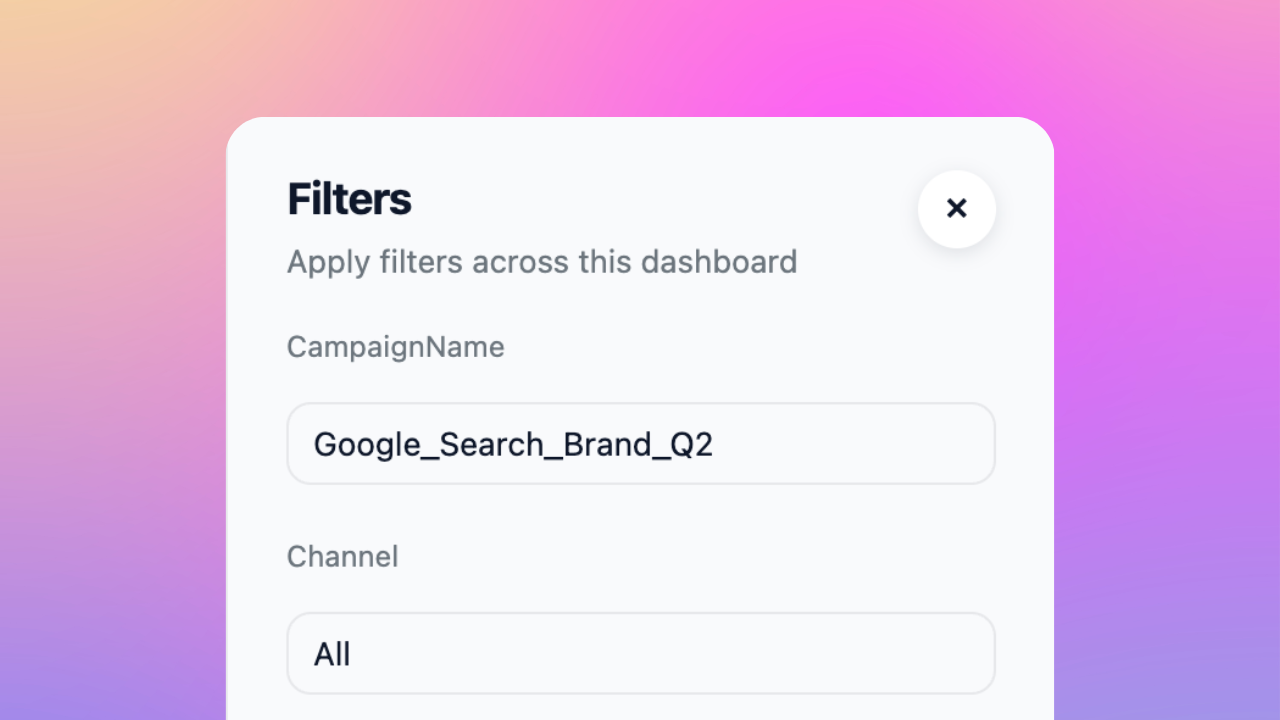
Ask anything about your data
"What were our top products last quarter, and how do they compare to last year?"
AI runs the comparison, builds the chart, and highlights which products improved or declined.
"Which customer segments have the highest churn, and what do they have in common?"
AI segments your data, calculates churn by group, and surfaces patterns in high-risk customers.
"Break down expenses by category and flag anything that grew more than 20%."
AI categorizes spending, calculates growth rates, and calls out the line items that need attention.
"What's our average fulfillment time by warehouse?"
AI calculates averages, ranks locations, and identifies where delays are coming from.
"Compare conversion rates across channels over the last 6 months."
AI builds a multi-channel comparison with trends and notes which channels are improving.
"What's our attrition rate by department?"
AI segments by department and surfaces where turnover is concentrated.
Frequently asked questions
Ask anything you'd ask an analyst: comparisons, trends, rankings, breakdowns, anomalies. 'What were our top products?' or 'Compare sales by region' or 'Why did revenue drop?' all work.
Are there limits on complexity?
Complex questions that need multiple steps are fine—AI breaks them down automatically. If something's unclear, it asks for clarification.
AI analyzes your question and data to pick the best chart. Comparisons get bar charts, trends get line charts, breakdowns get tables.
Can I request a different visualization?
You can always ask for something different: 'Show that as a line chart' or 'Can I see this as a table?'
Upload CSV, Excel, or Parquet files to start immediately. AI detects your columns and data types automatically.
Can I connect to my database?
For live database connections, check out our dashboard product which supports warehouse integrations.
AI shows its work—you see the queries and can verify the logic. For clear questions on clean data, accuracy is very high.
Does it make mistakes?
For ambiguous questions, it asks for clarification rather than guessing. If something looks off, rephrase or ask it to explain its reasoning.
Yes. Say 'break that down by region' or 'exclude refunds' and AI understands the context from your previous questions.
Does it remember context?
This makes exploration natural—start broad, then drill down based on what you find.
Every chart can be saved to a dashboard with one click. Share dashboards with teammates or export to presentations.
How do I share with my team?
The query is saved too, so charts refresh when your data updates.